
Company
Your company's details and settings.
Where the administrator configures the company, decides who gets access to what and connects Timelogbook to other tools.
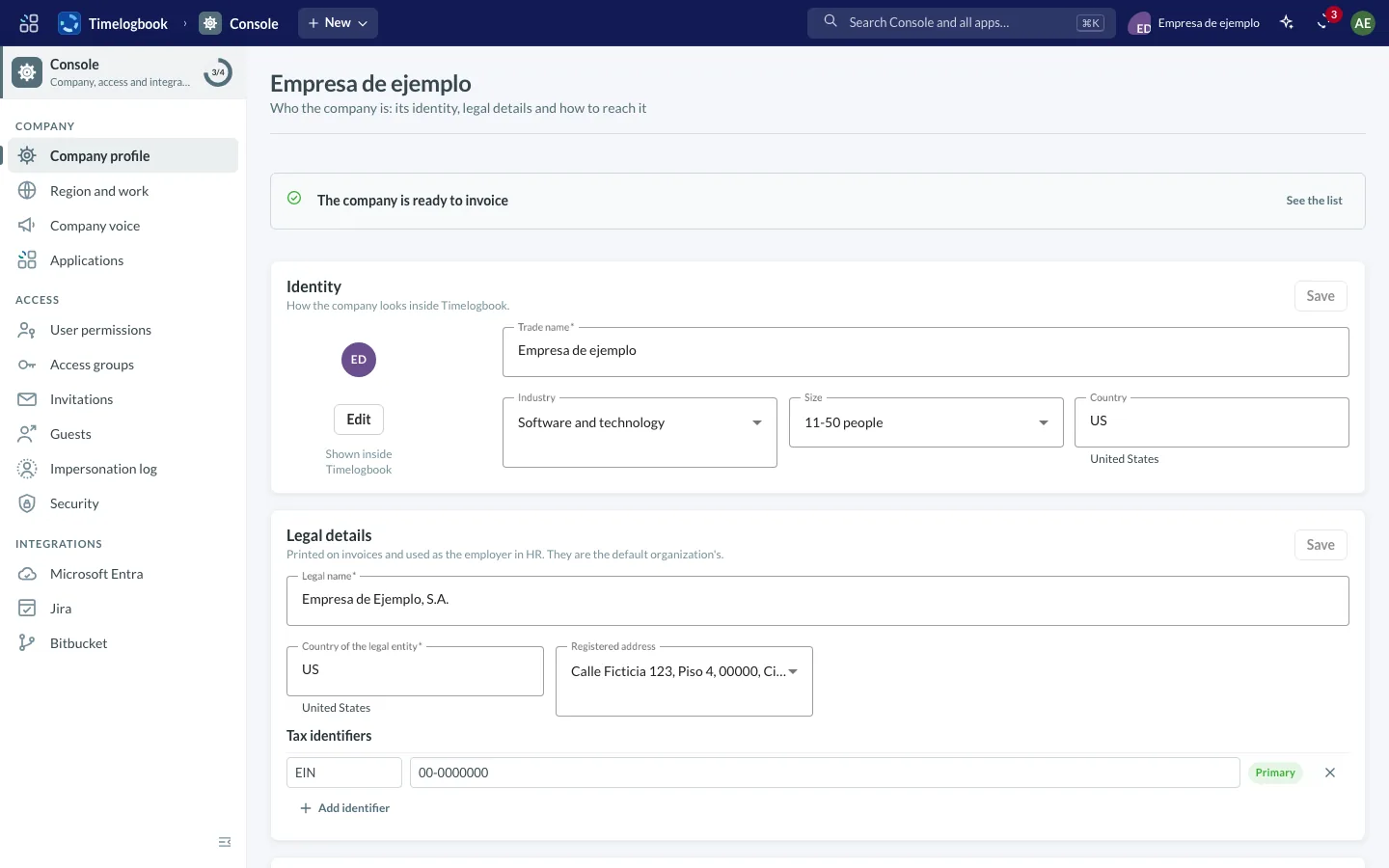
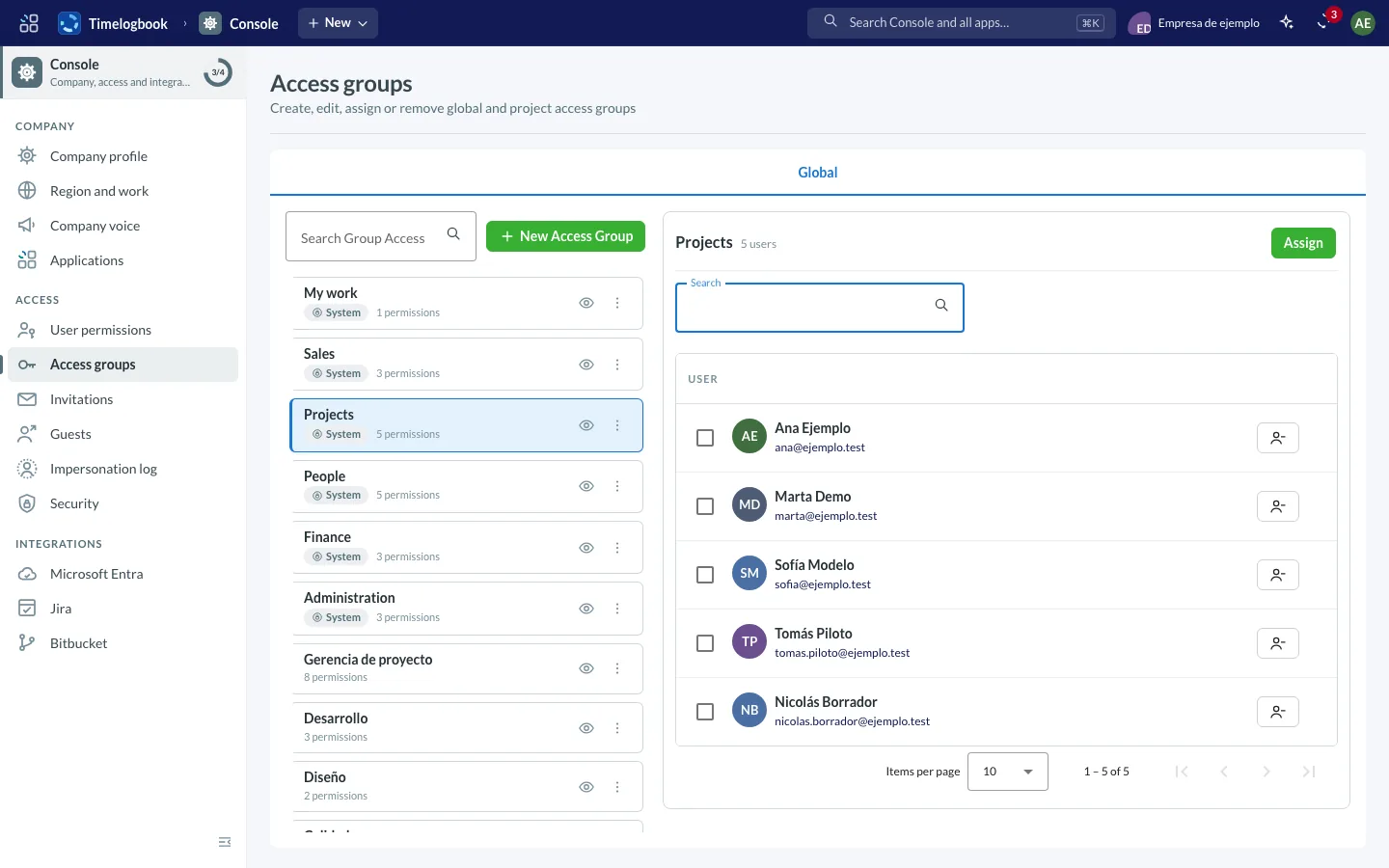
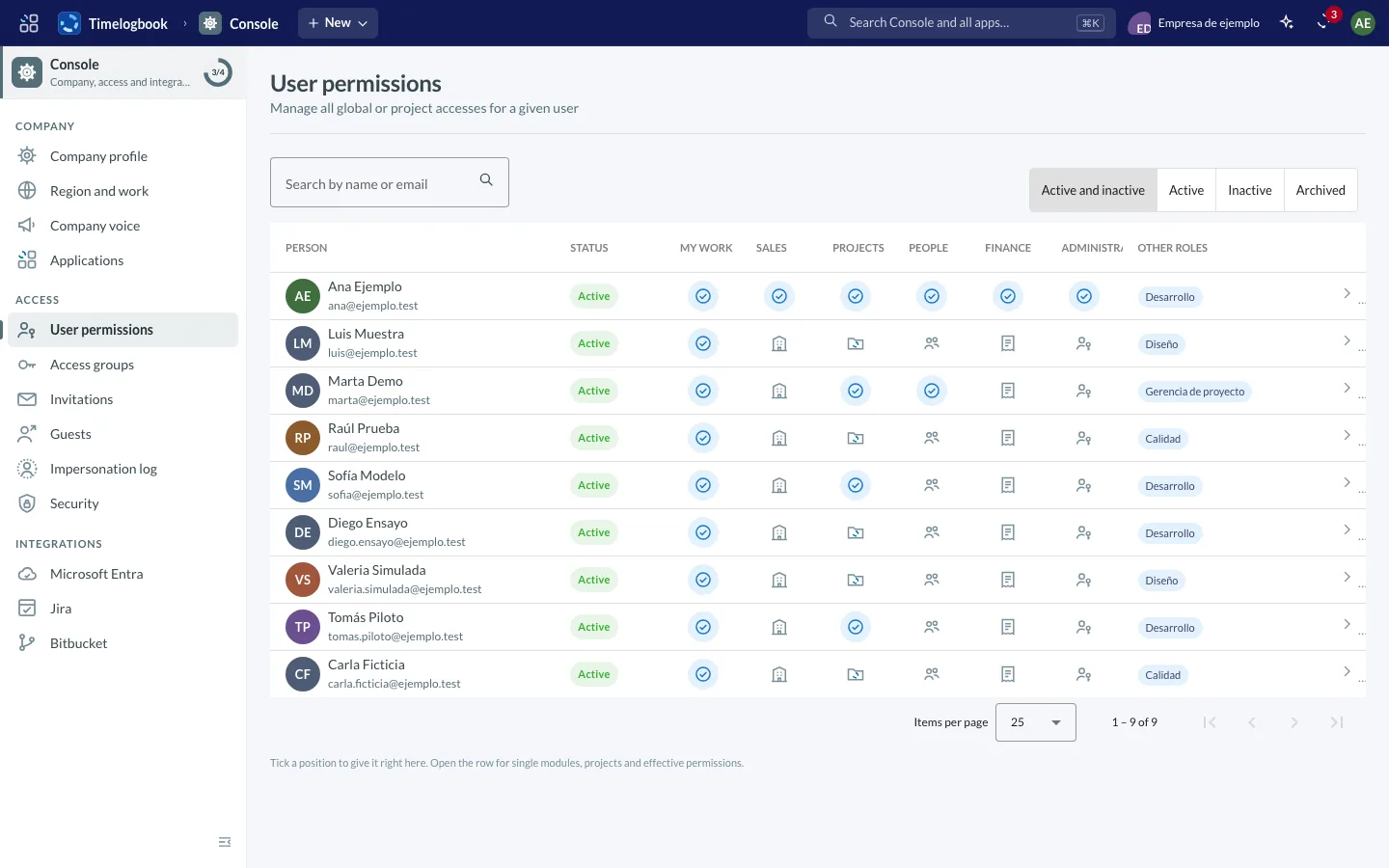
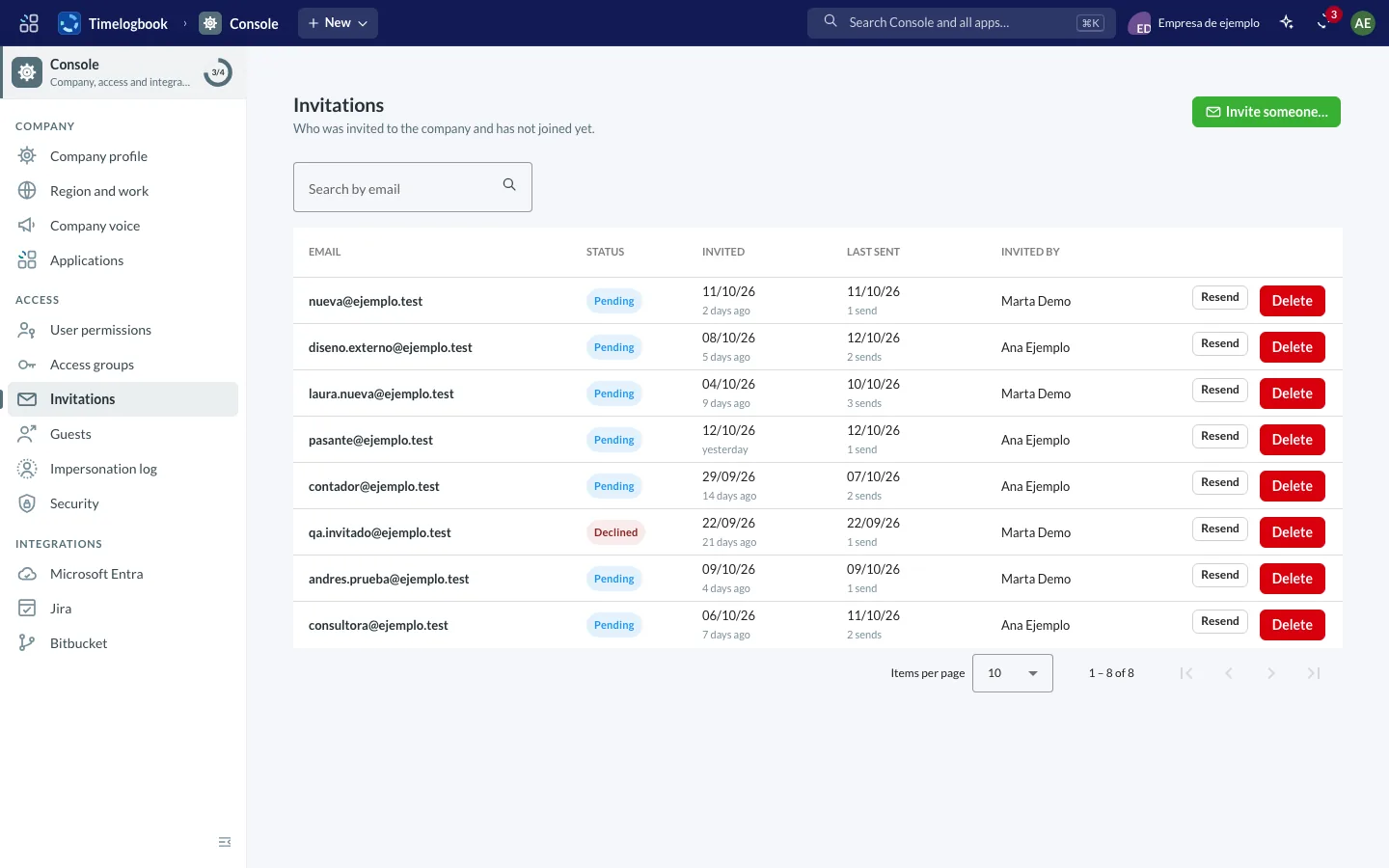
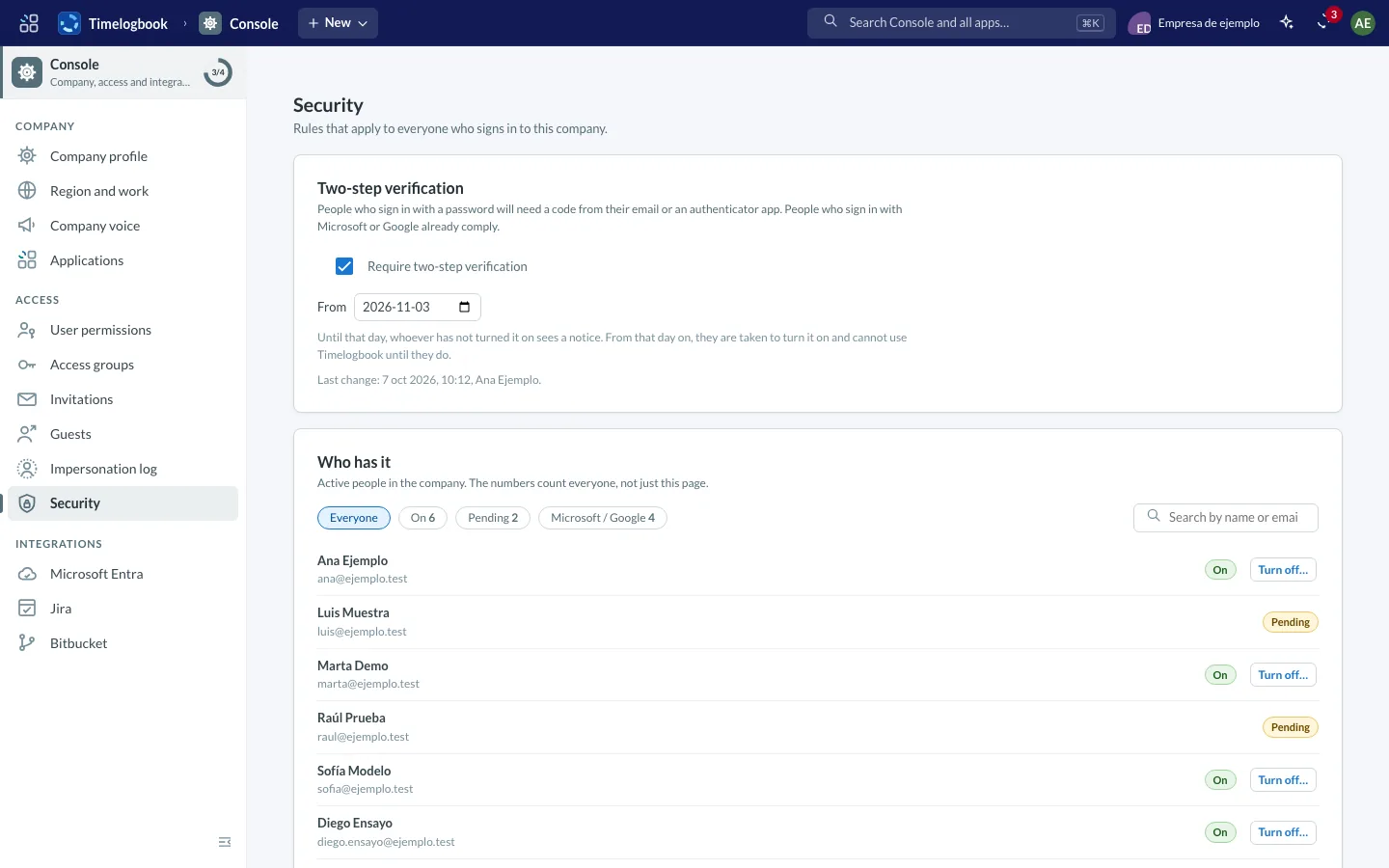
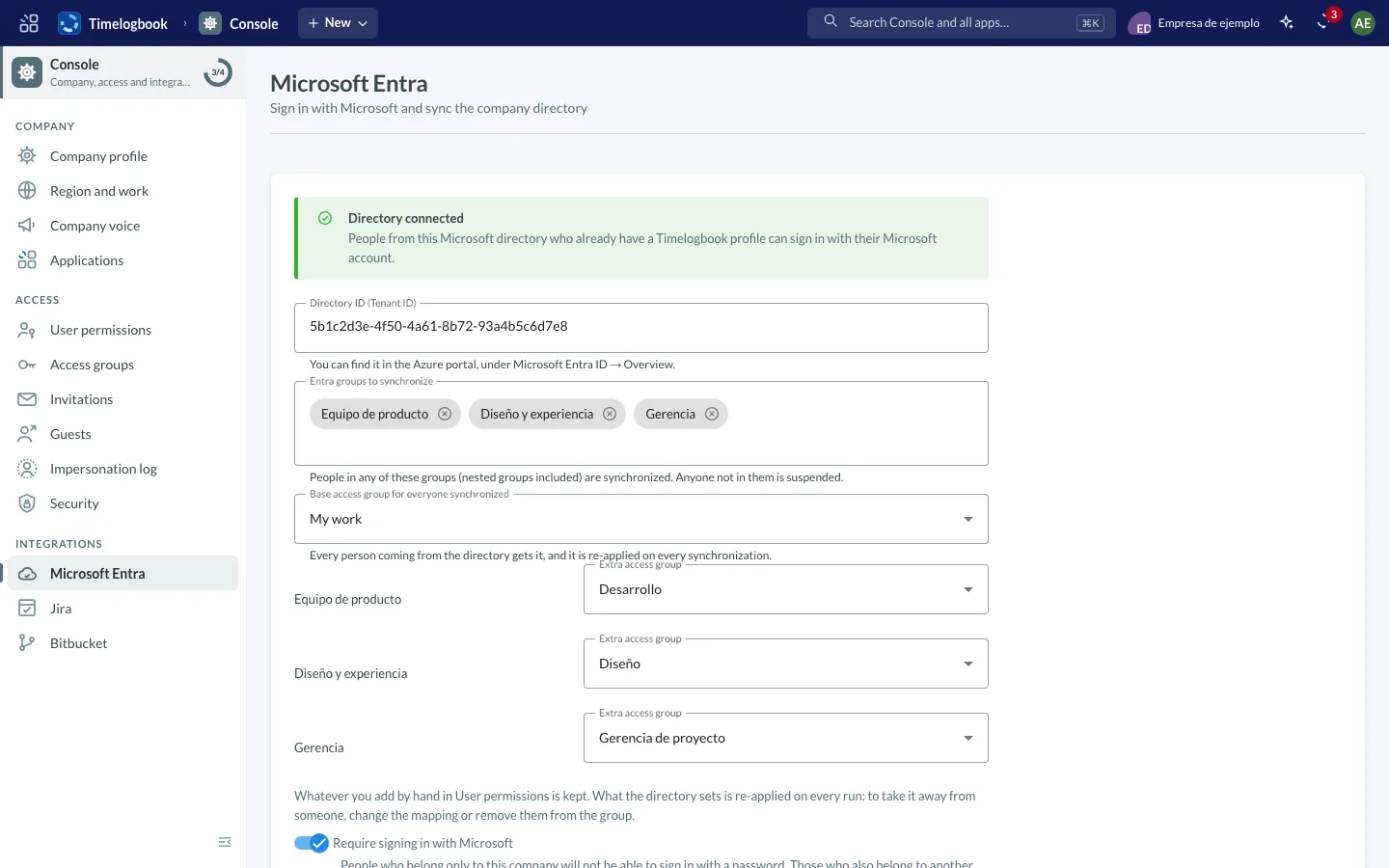
Screenshots of the app with sample data.
Your company's details and settings.
Permissions by menu area and by project: each person sees only what their administrator has enabled.
Microsoft Entra ID for sign-in and directory sync, the Teams calendar and notices, Jira Cloud and Data Center to migrate your projects, Bitbucket, Anthropic and OpenAI on your company’s key, Google Places, the Chrome extension for LinkedIn and WhatsApp. Each one is tested before it is saved and can be paused without losing anything. See all integrations.
Console has its own MCP server, so AI assistants can connect to this module and work with its data.
We'll show you how Console would look with your company's data.