
The ERP built for IT services companies.
Hours, projects, tasks, clients, marketing, people and billing in one place, with AI in every module. What gets logged on Monday is what gets invoiced at the end of the month.
Don't have an account yet? Write to us and we'll set one up.
Eight apps, one switcher
Each module is an app with its own color, menu and shortcut. The switcher takes you from one to another in a single gesture. Pick one to see it.
Your apps
Recent
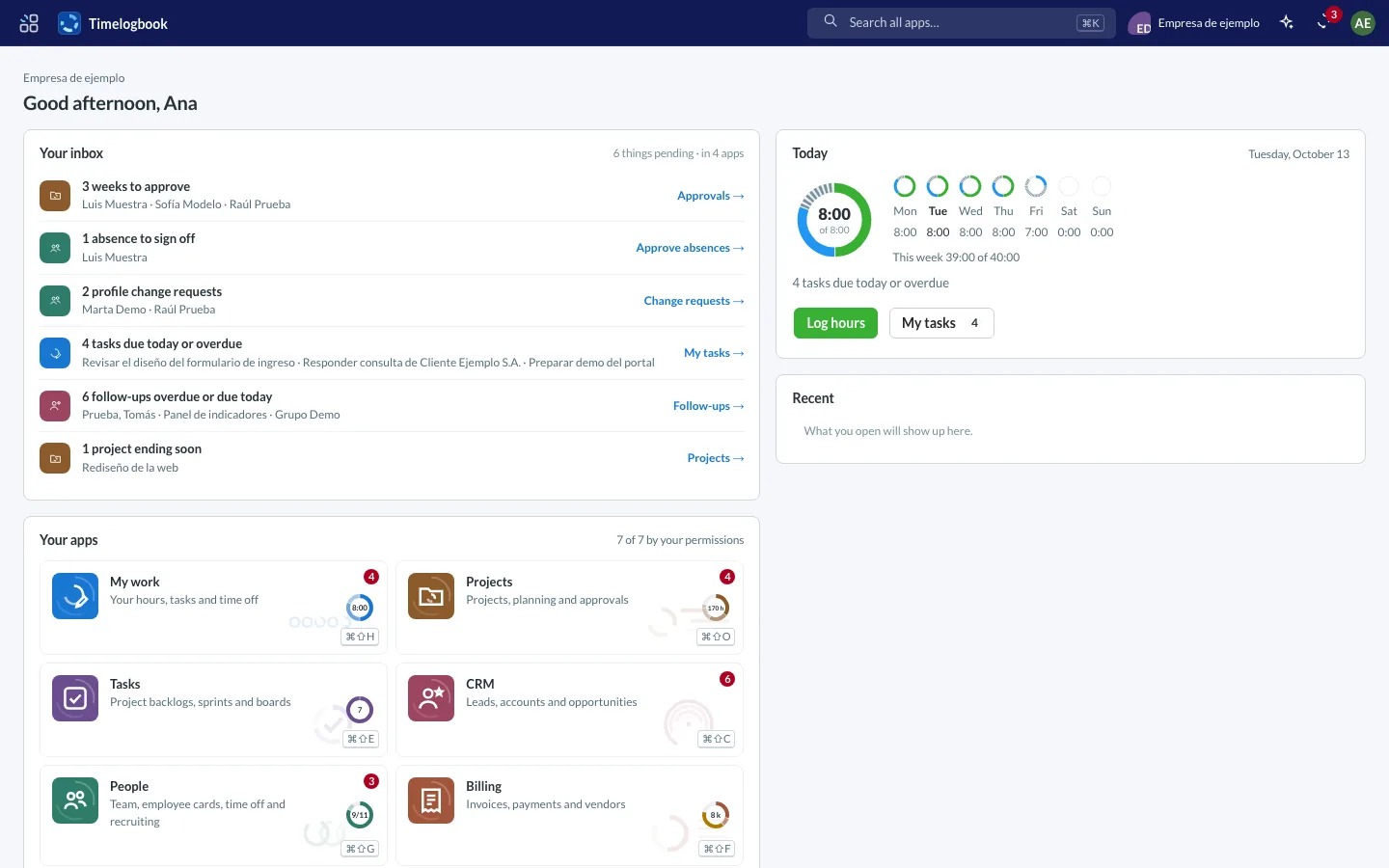
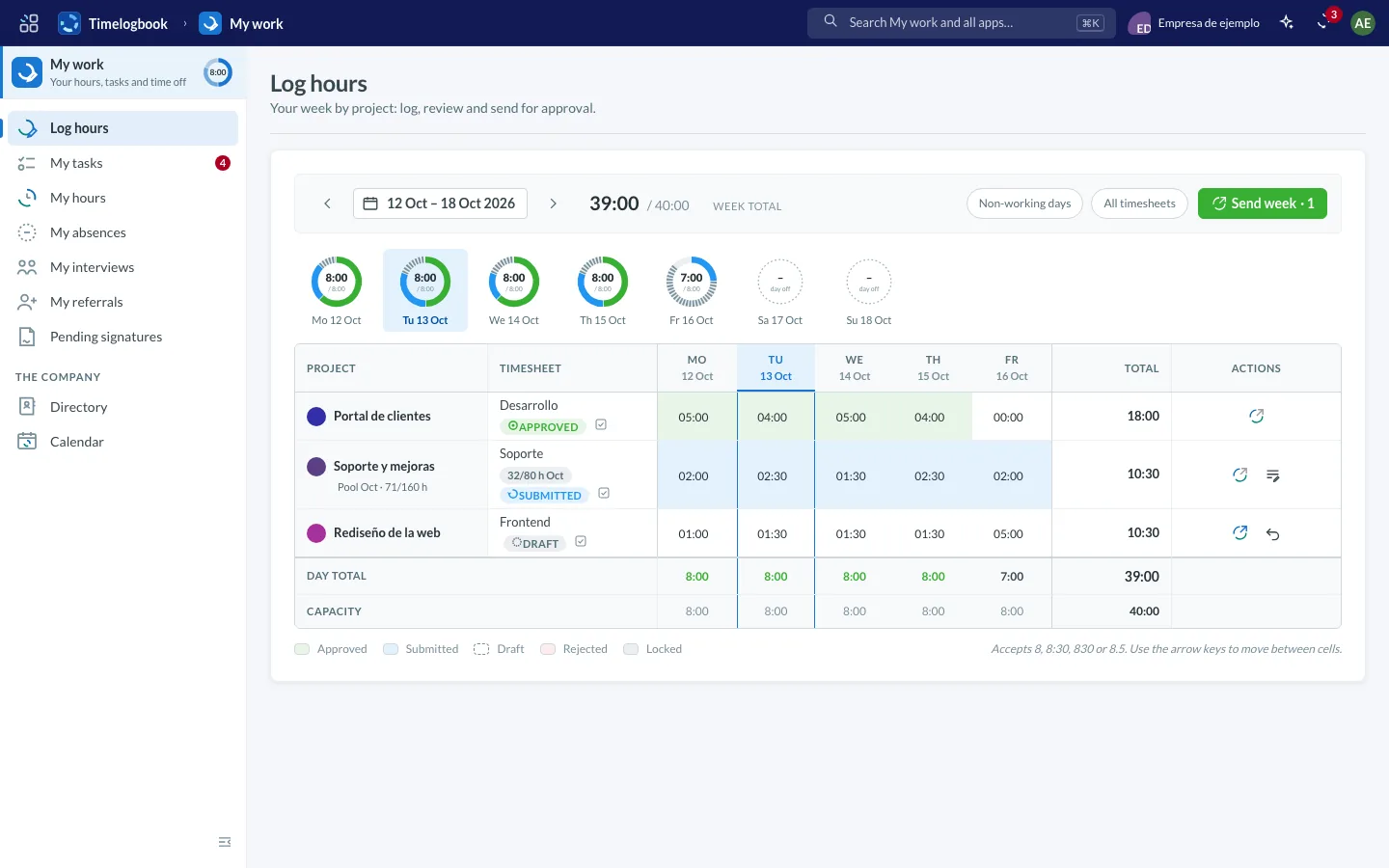
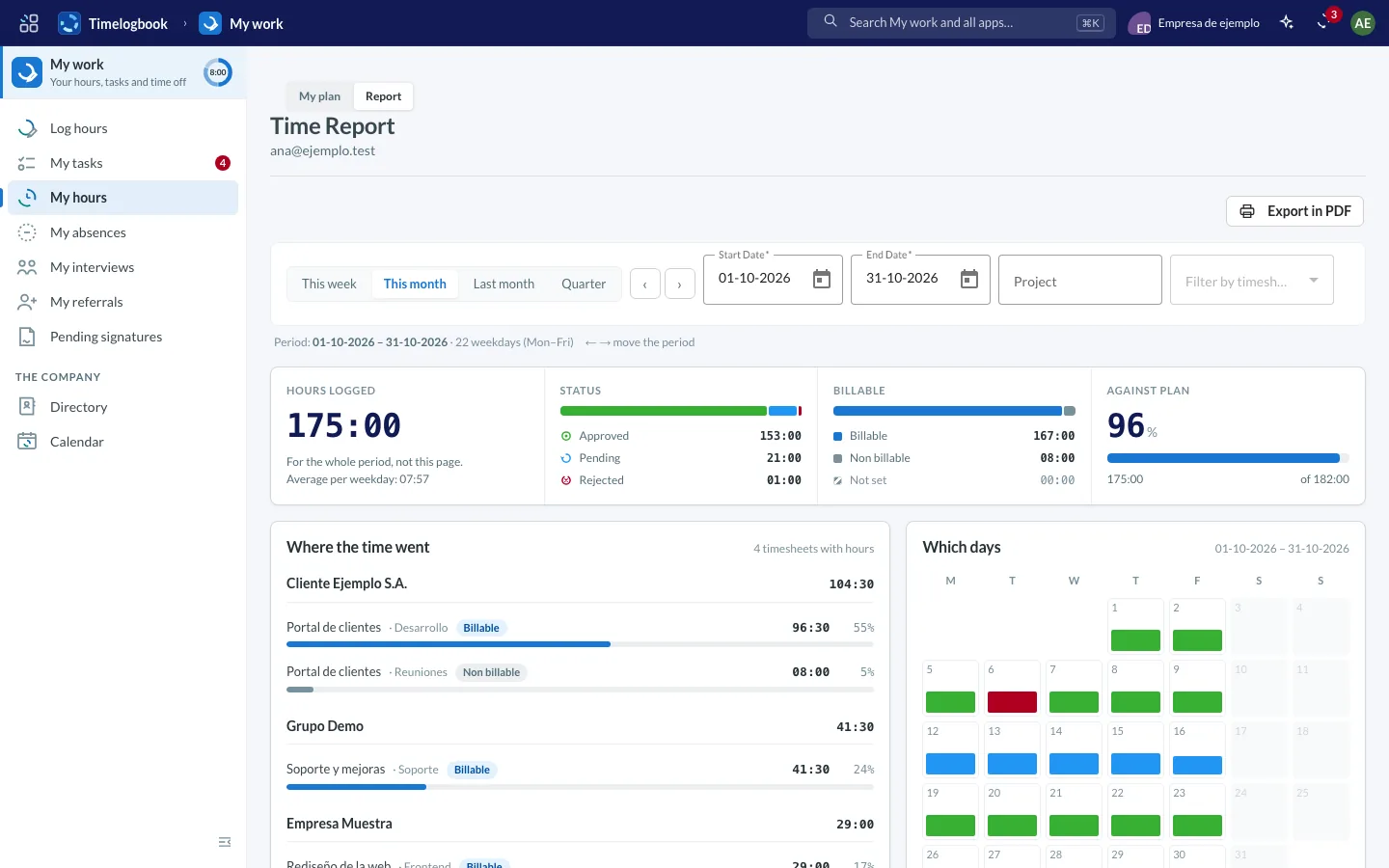
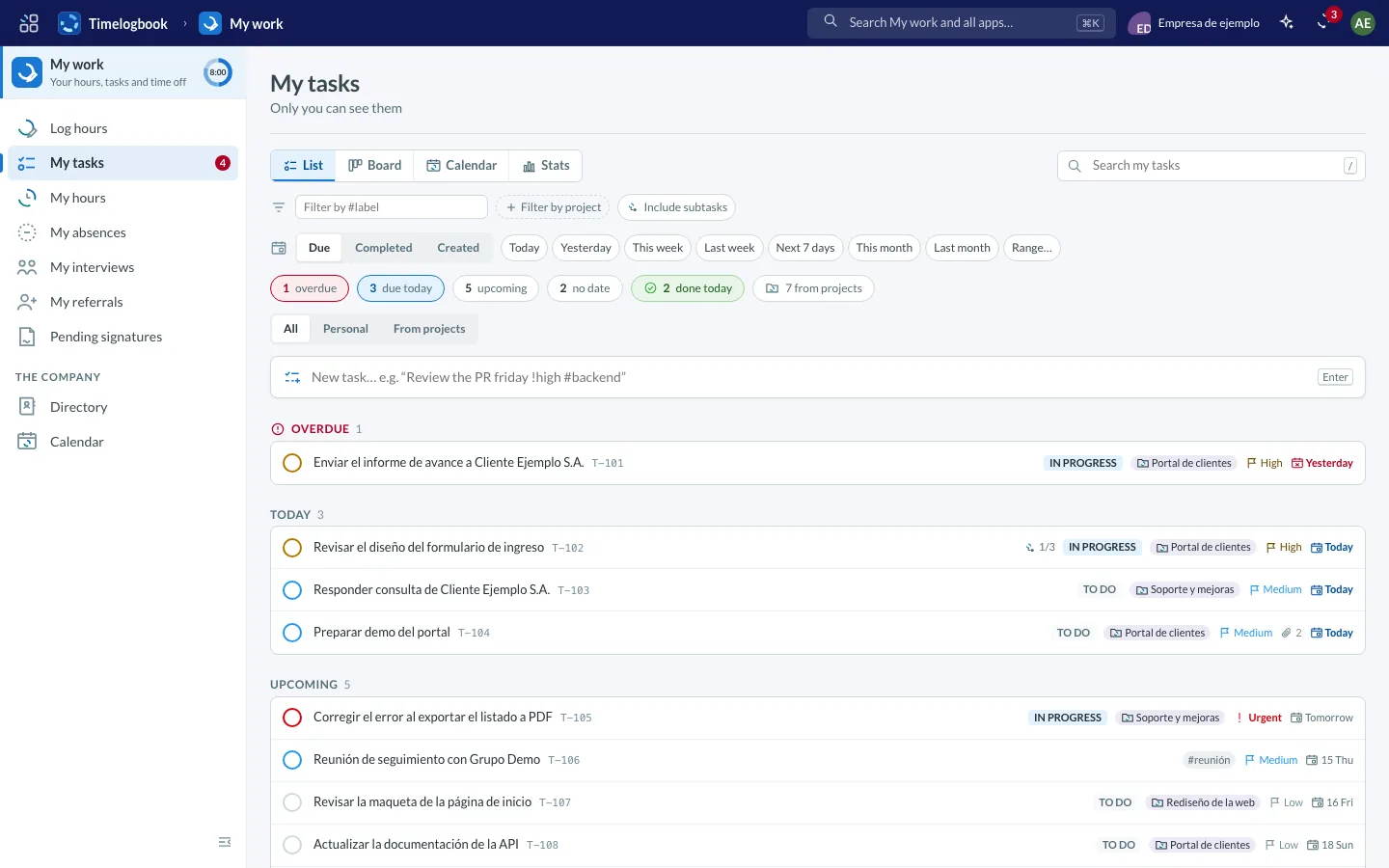
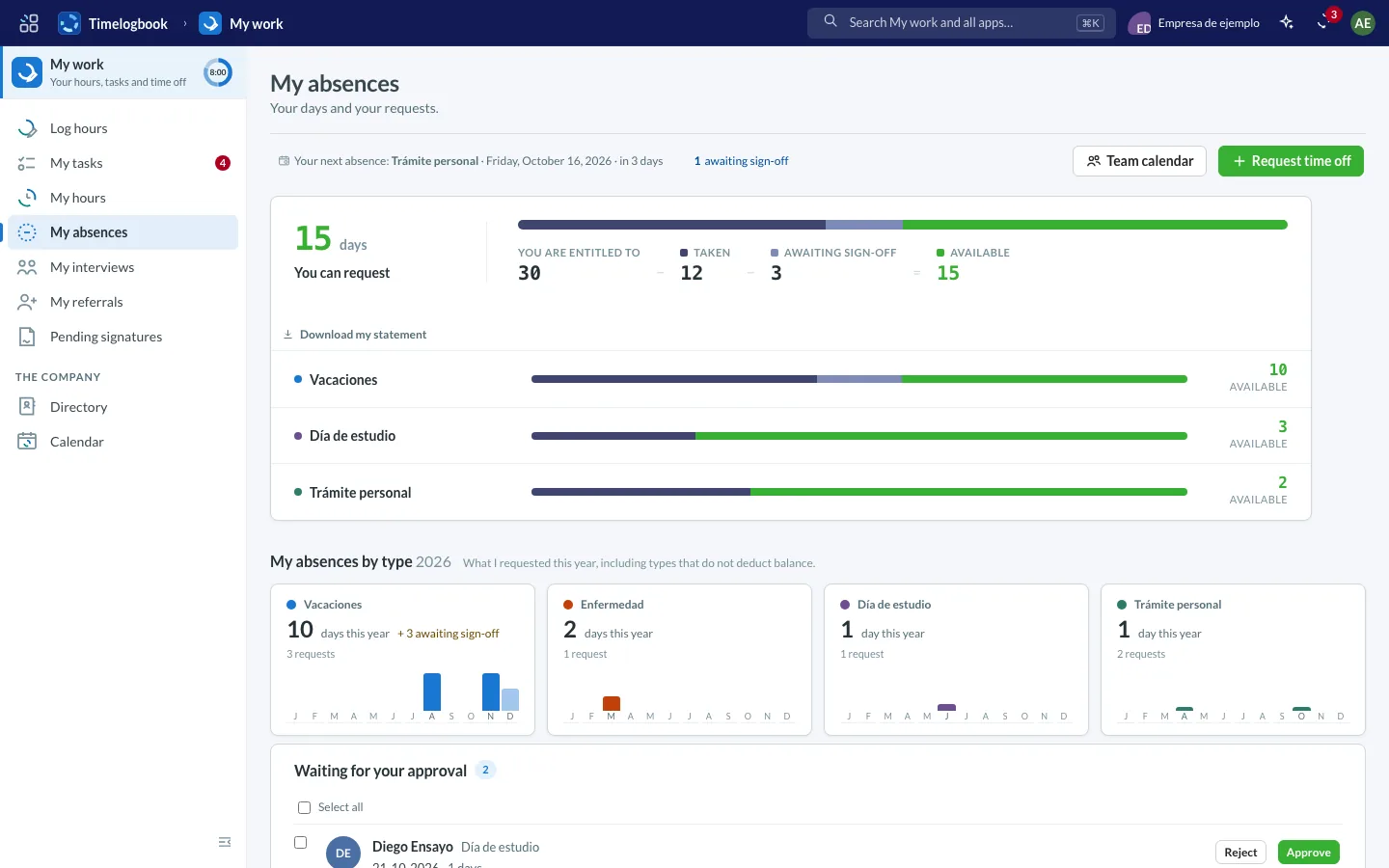
Screenshots of the app with sample data.
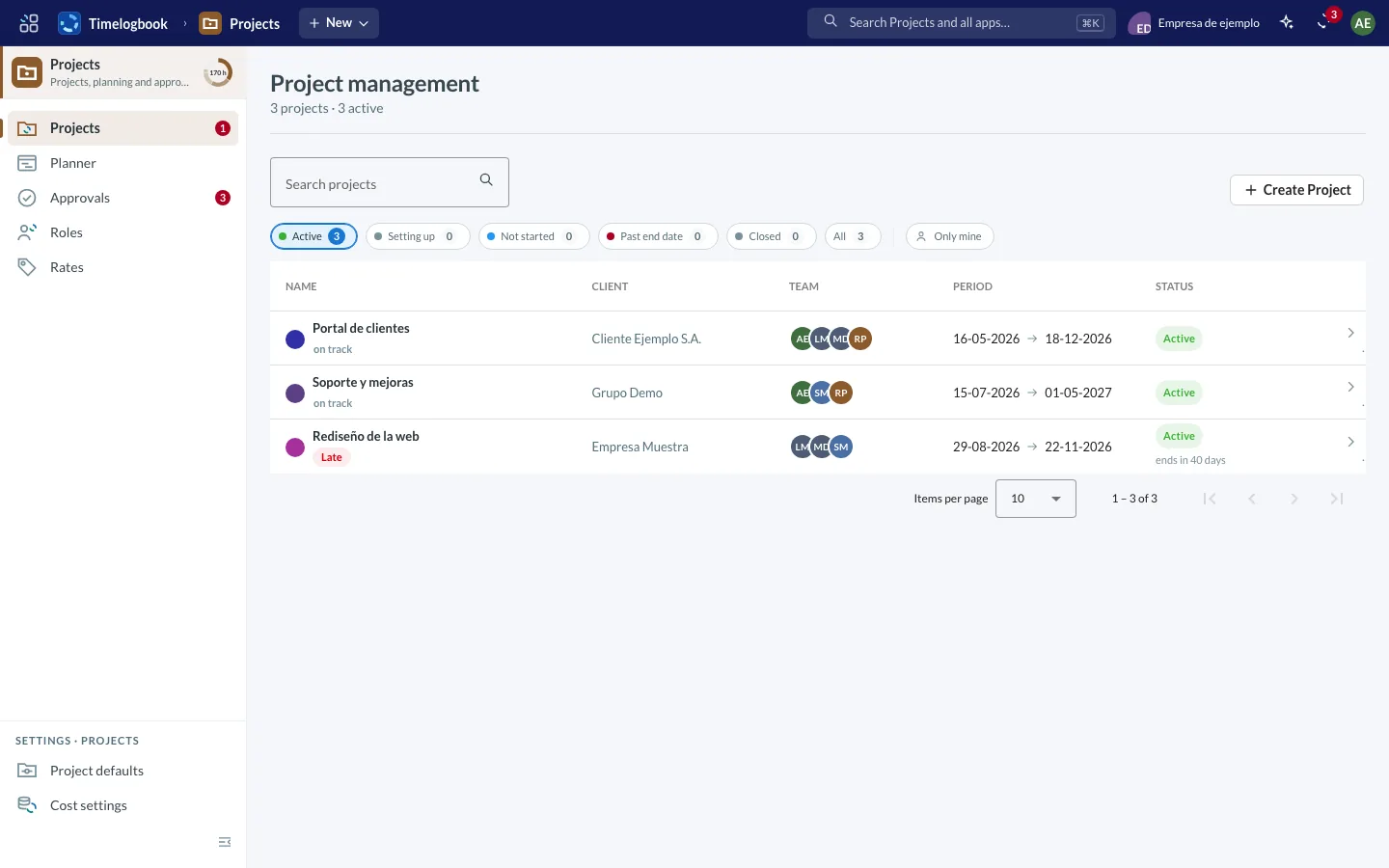
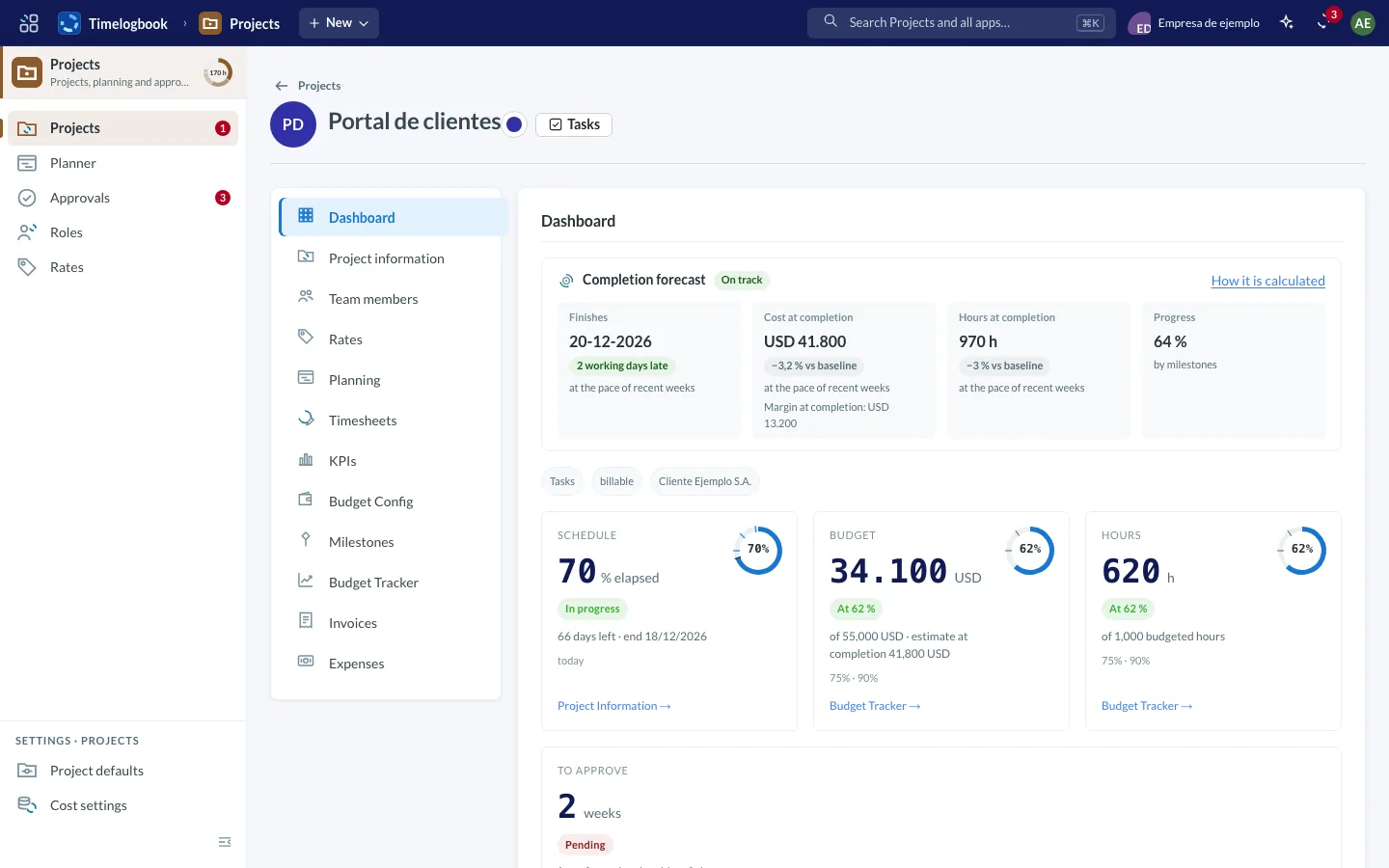
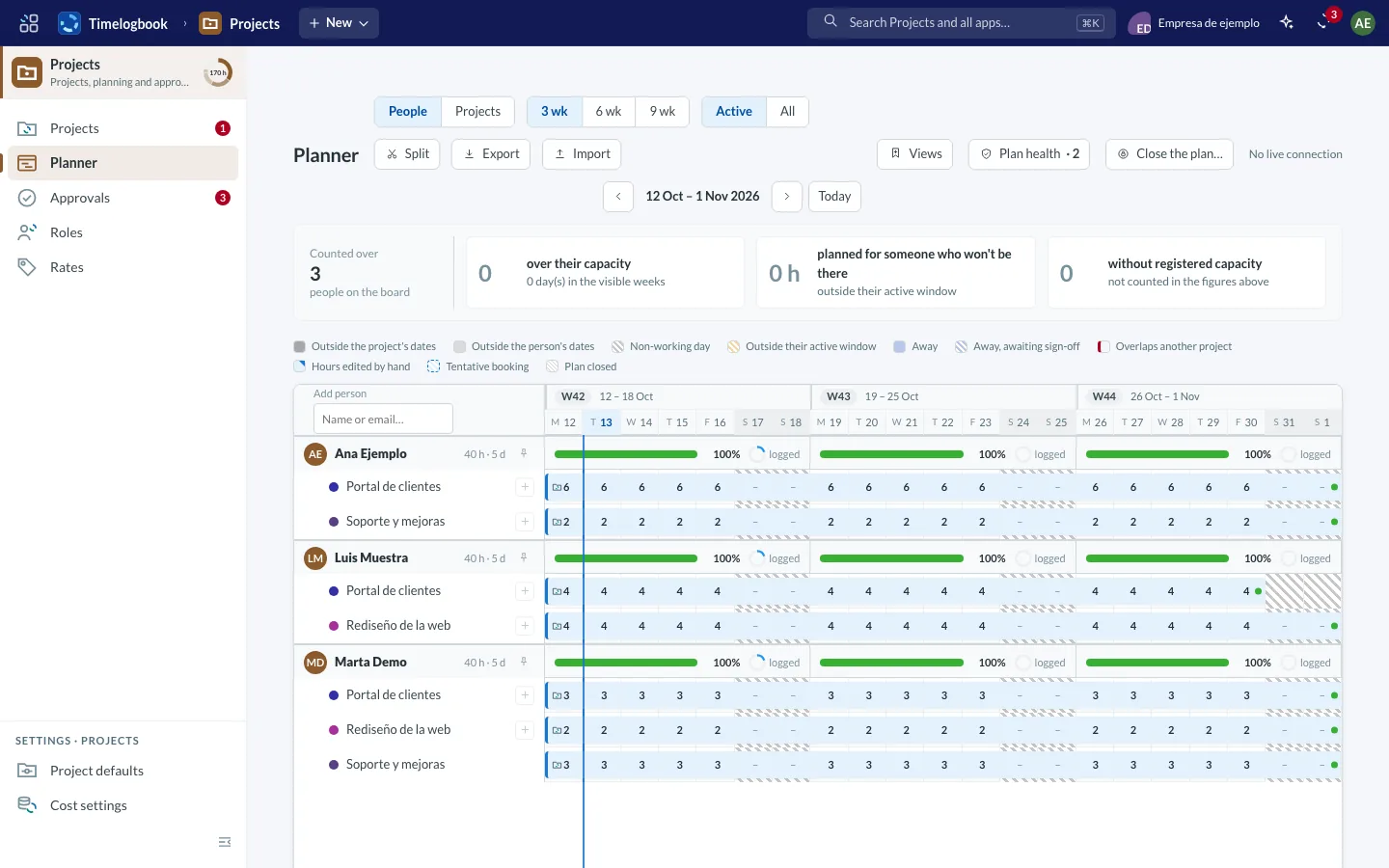
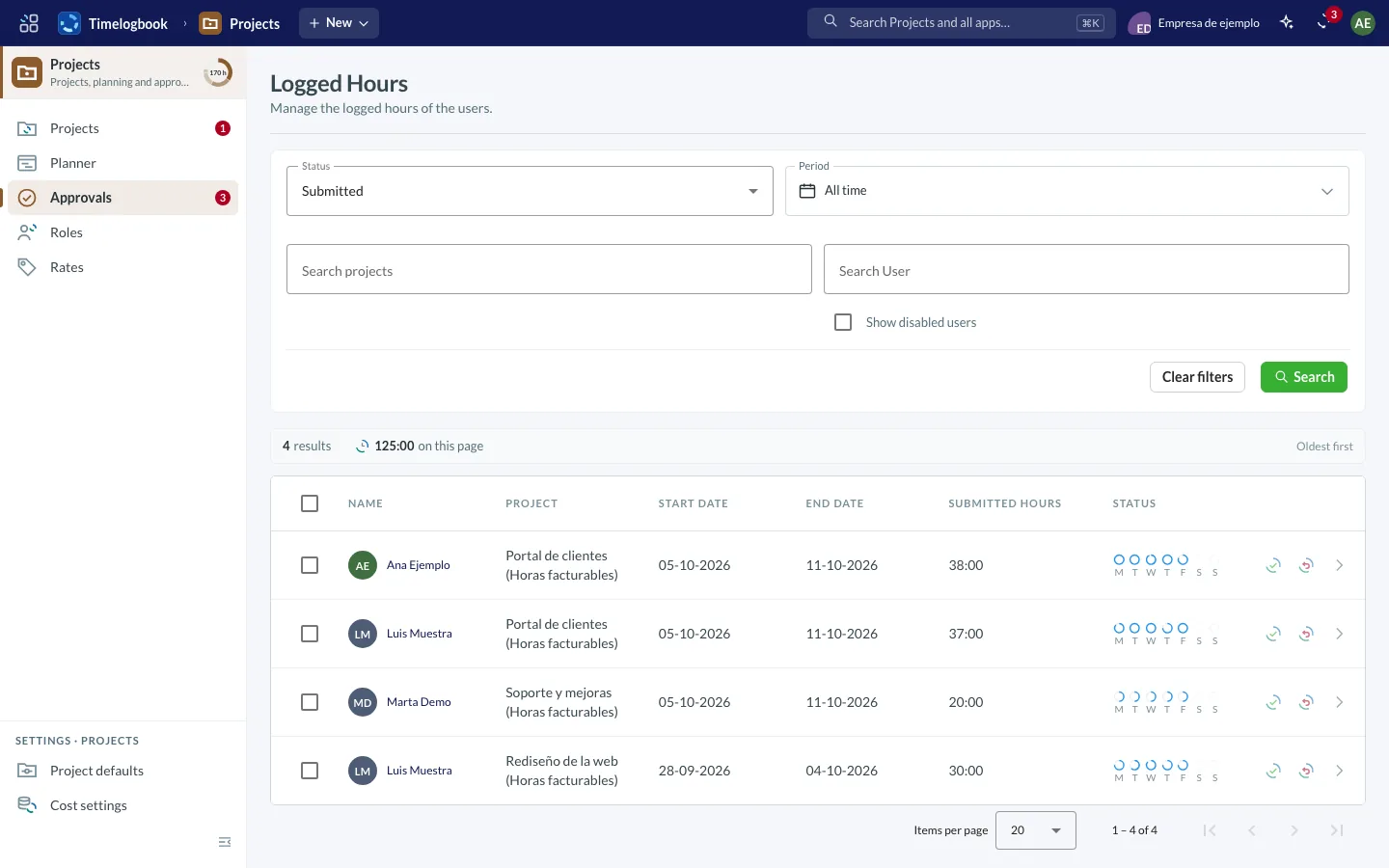
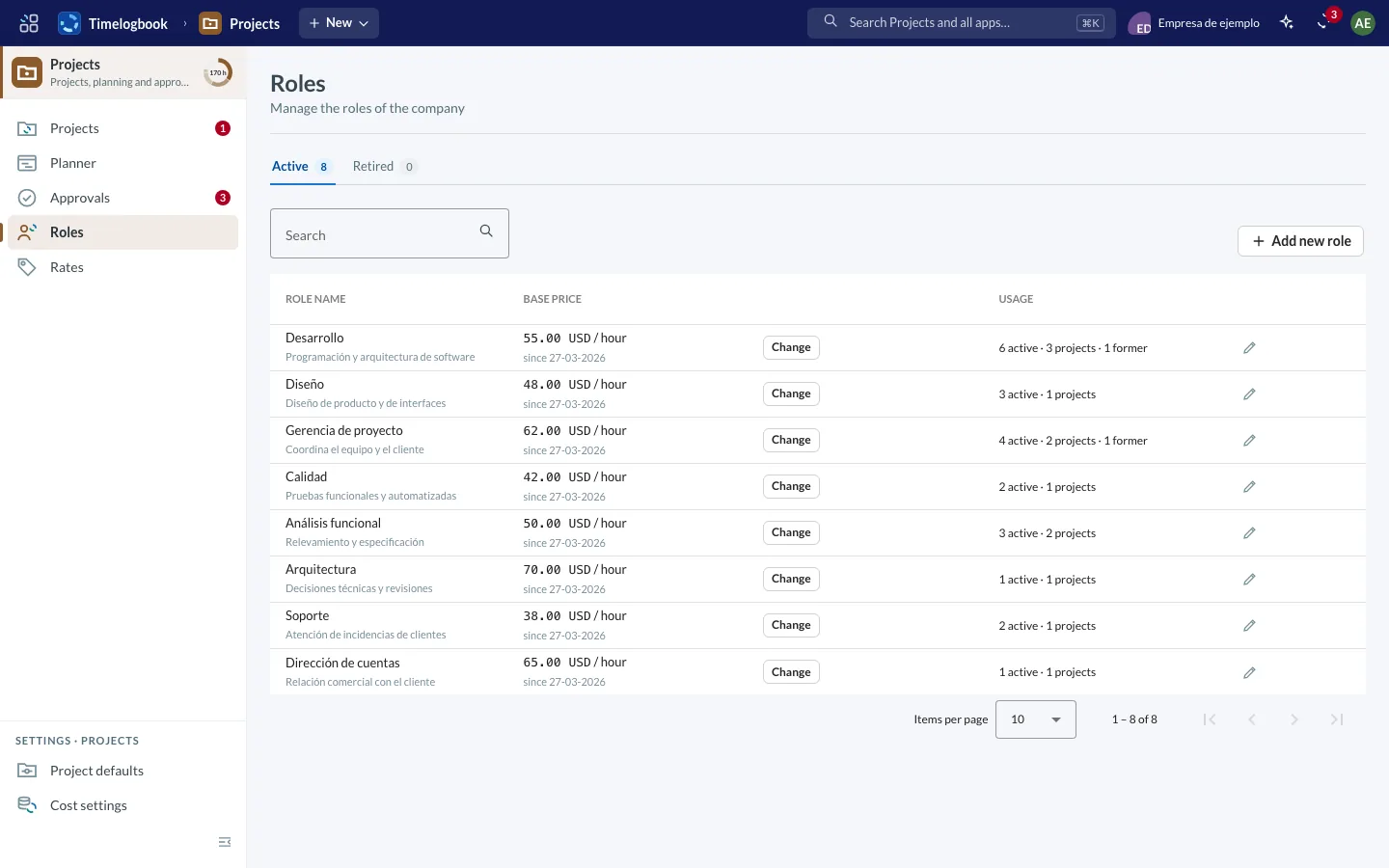
Screenshots of the app with sample data.
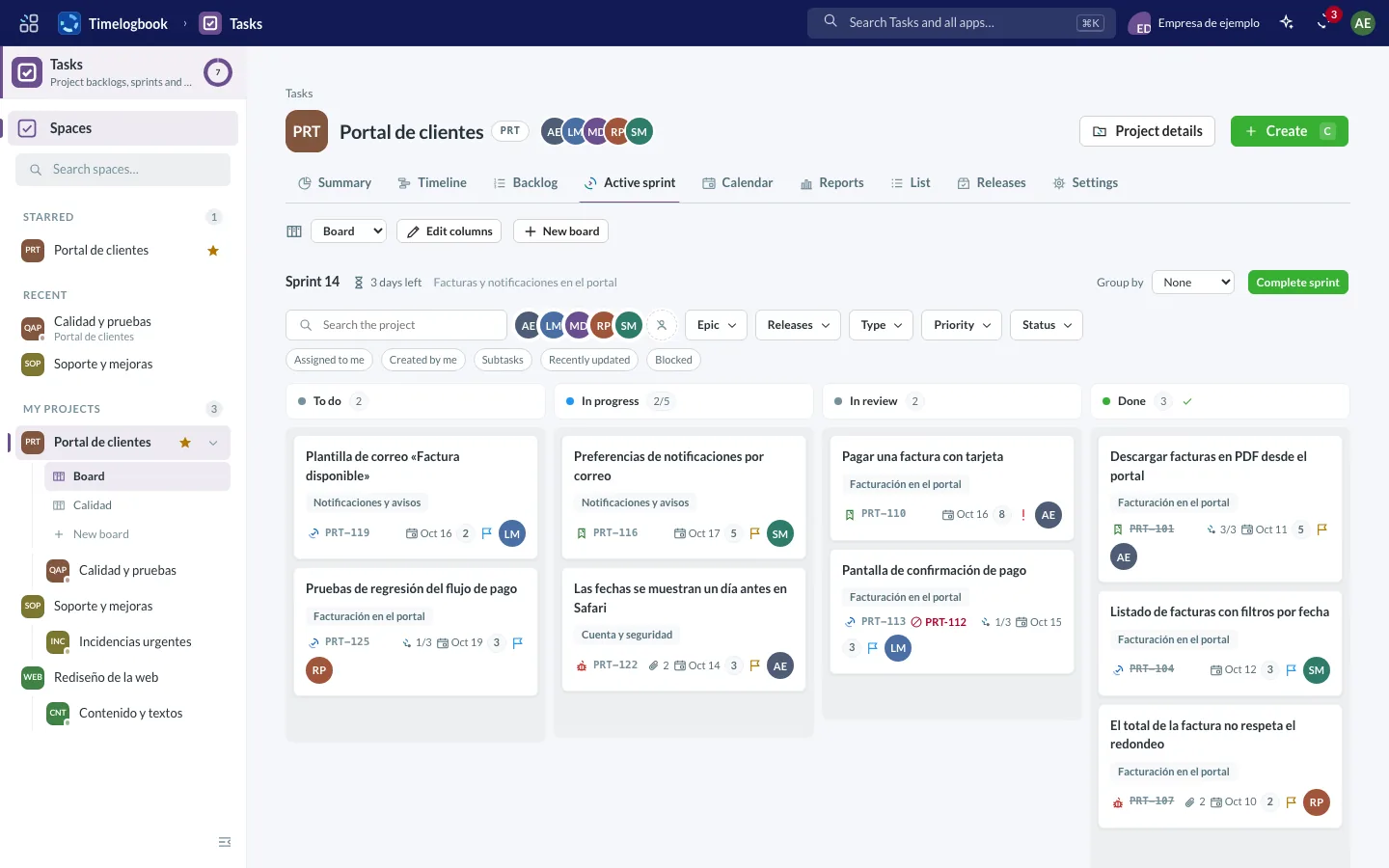
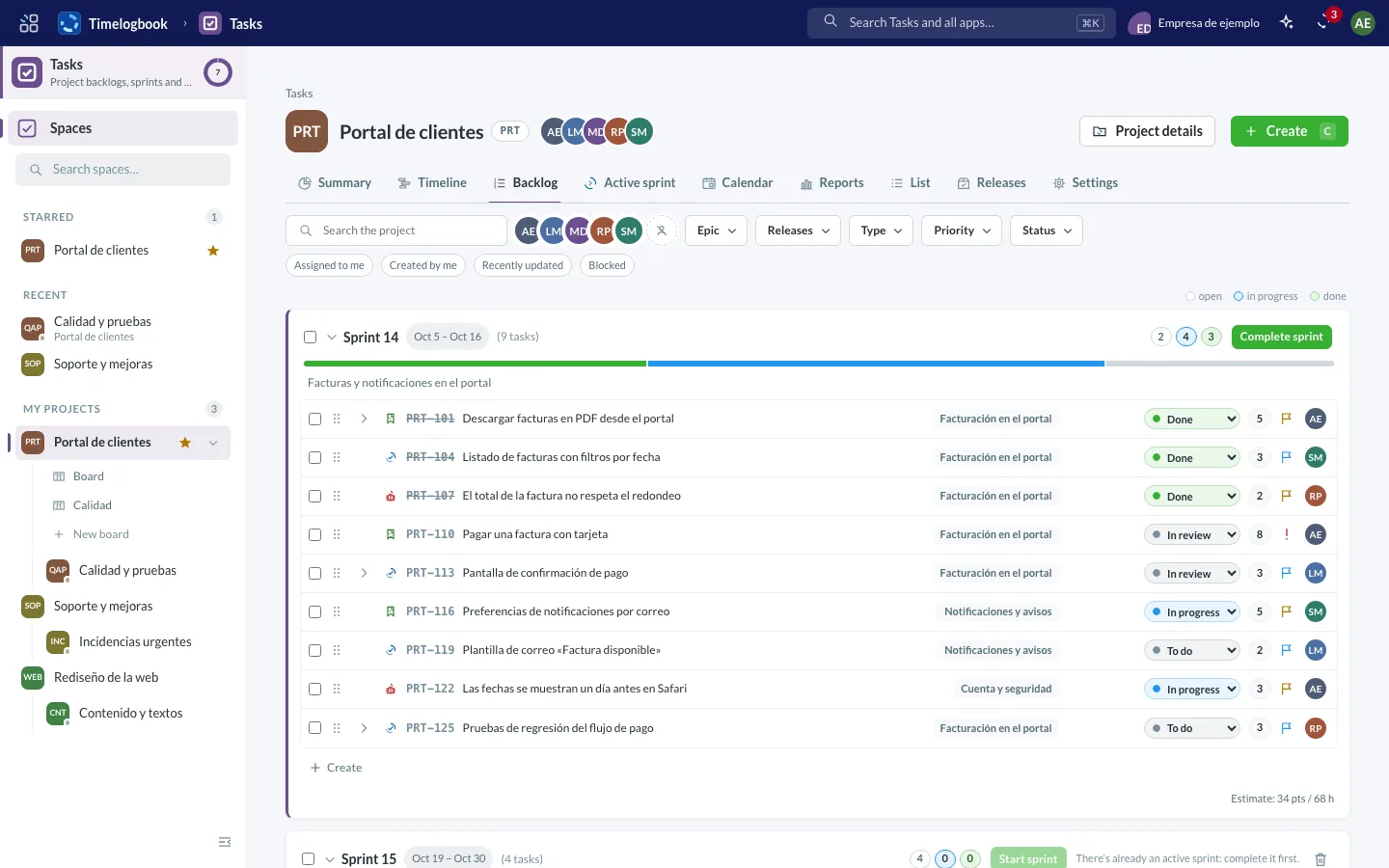
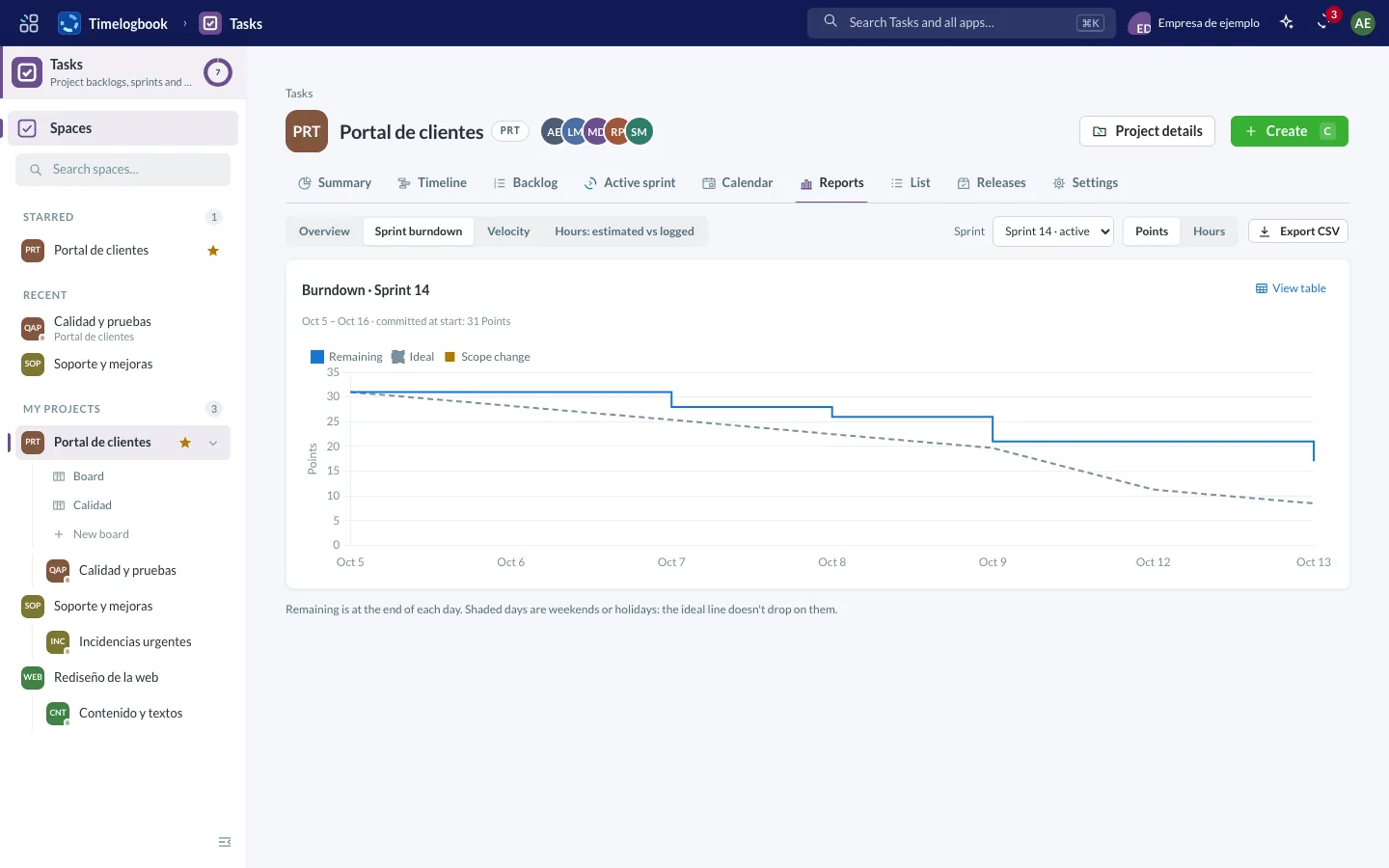
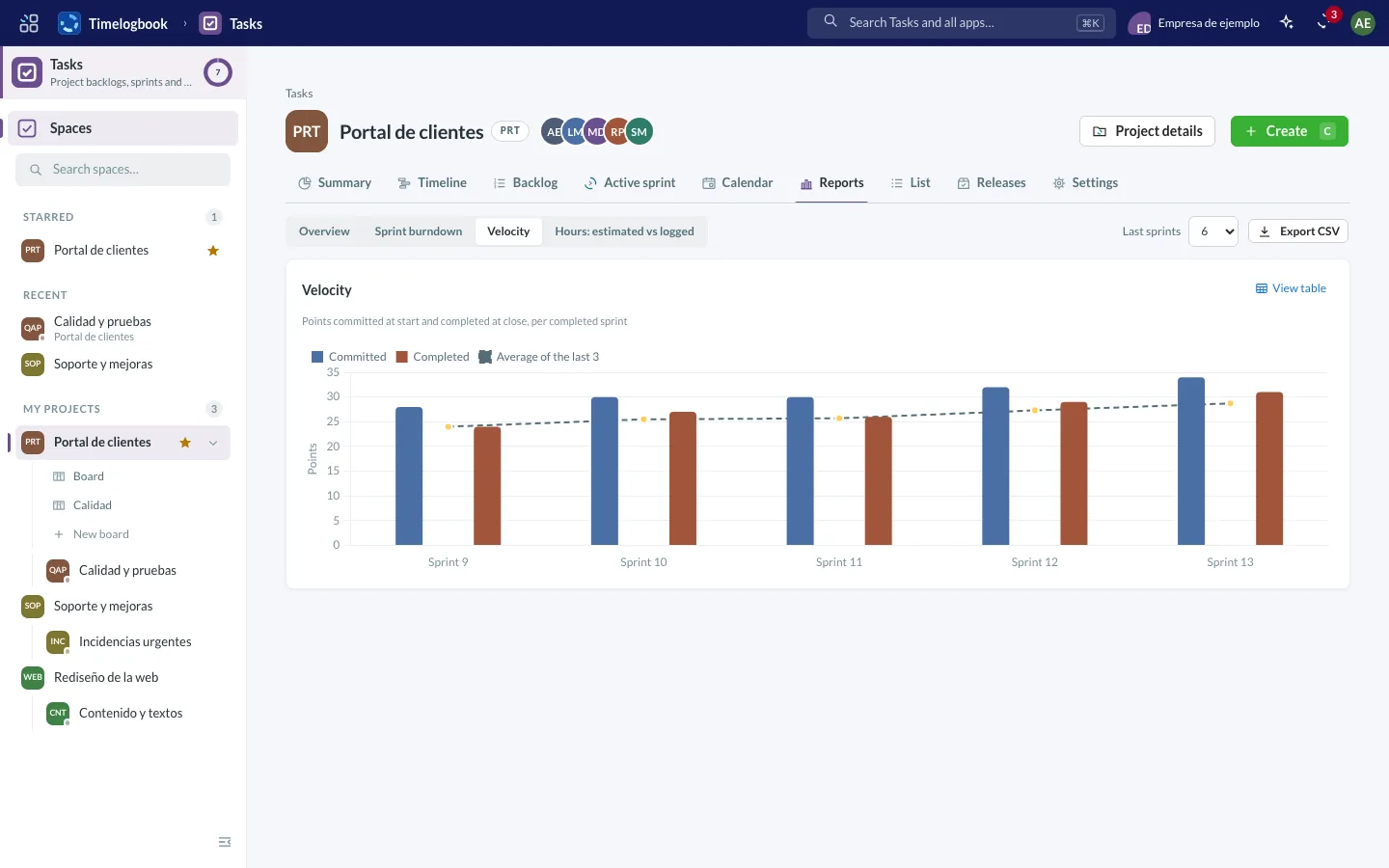
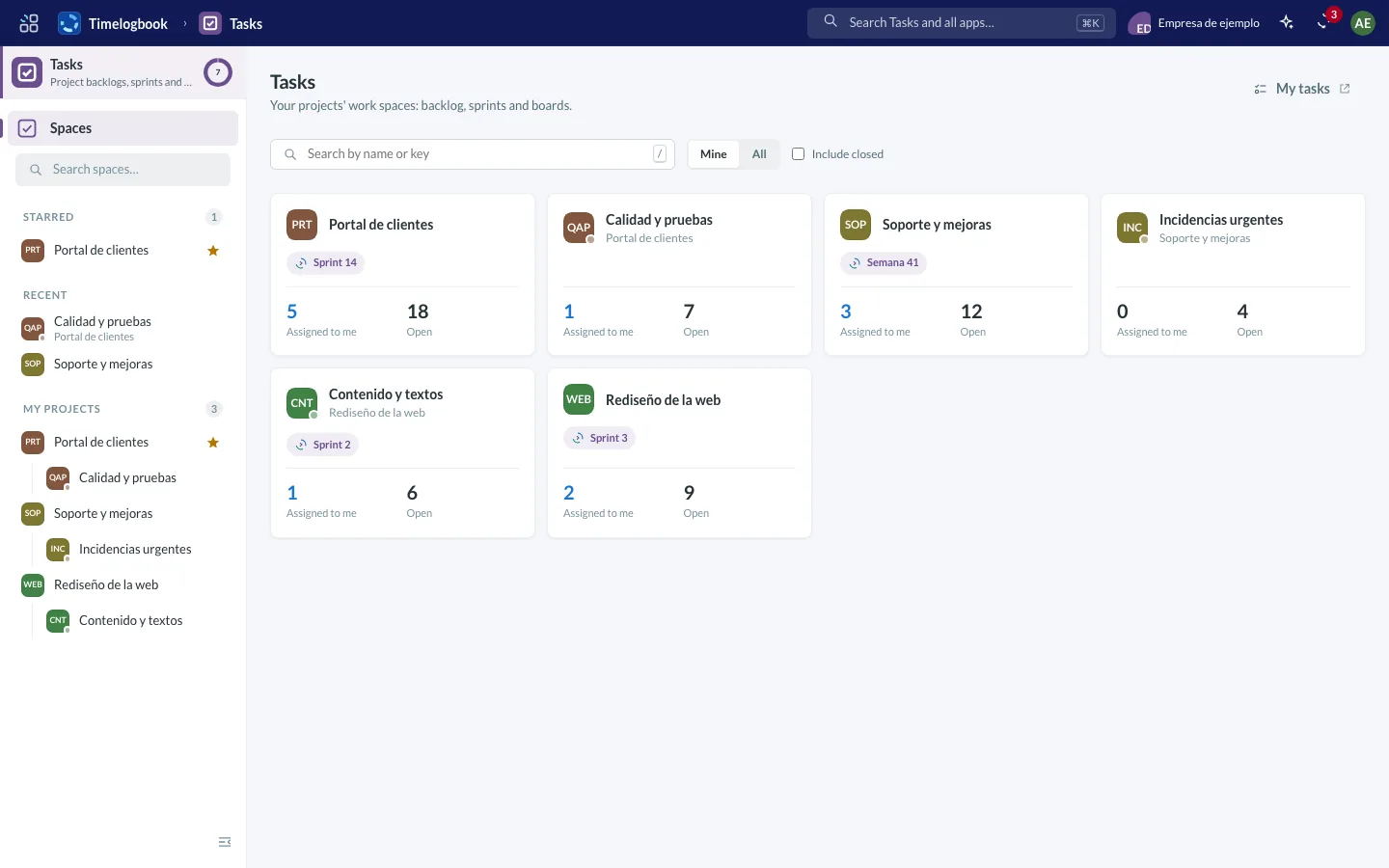
Screenshots of the app with sample data.
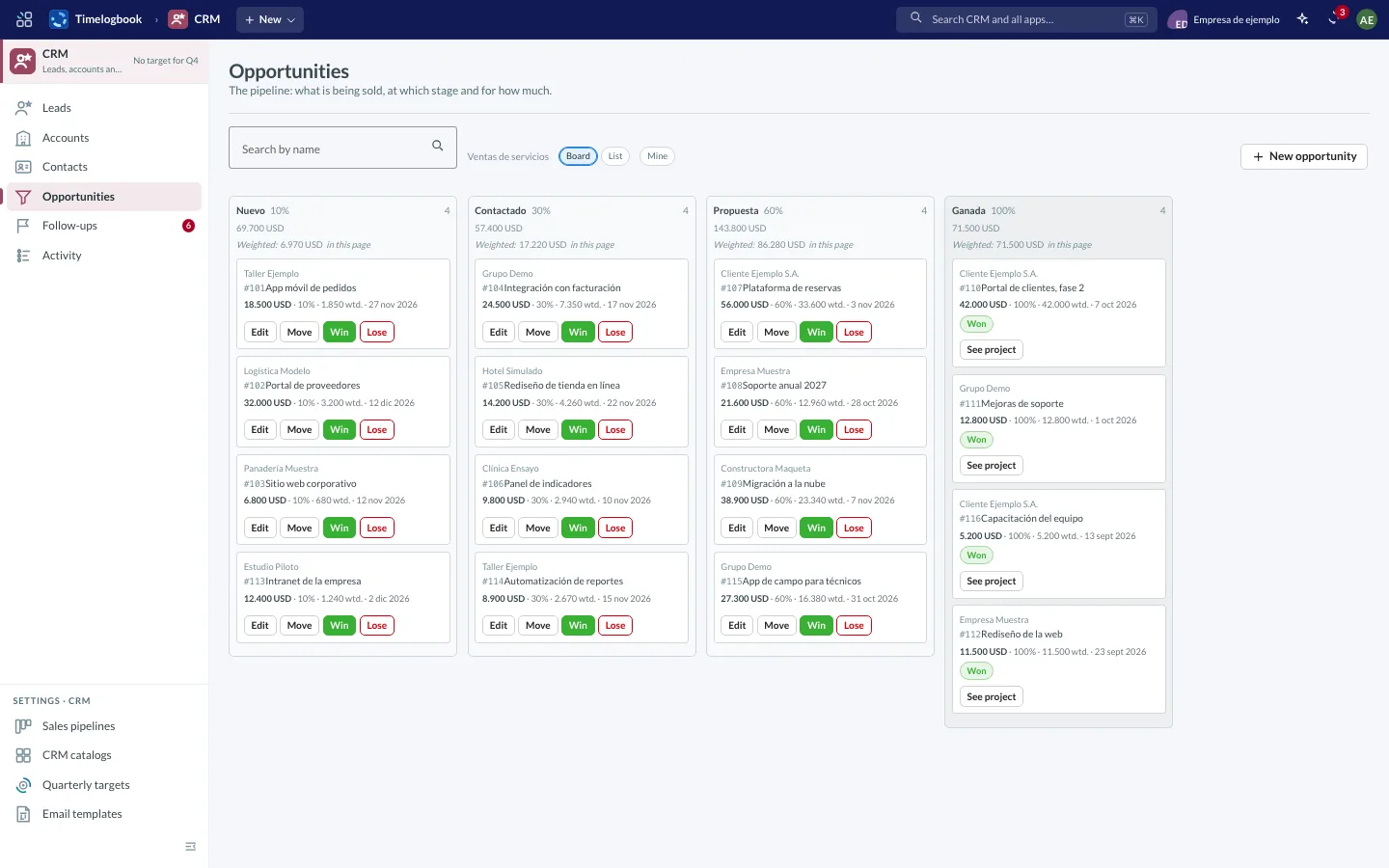
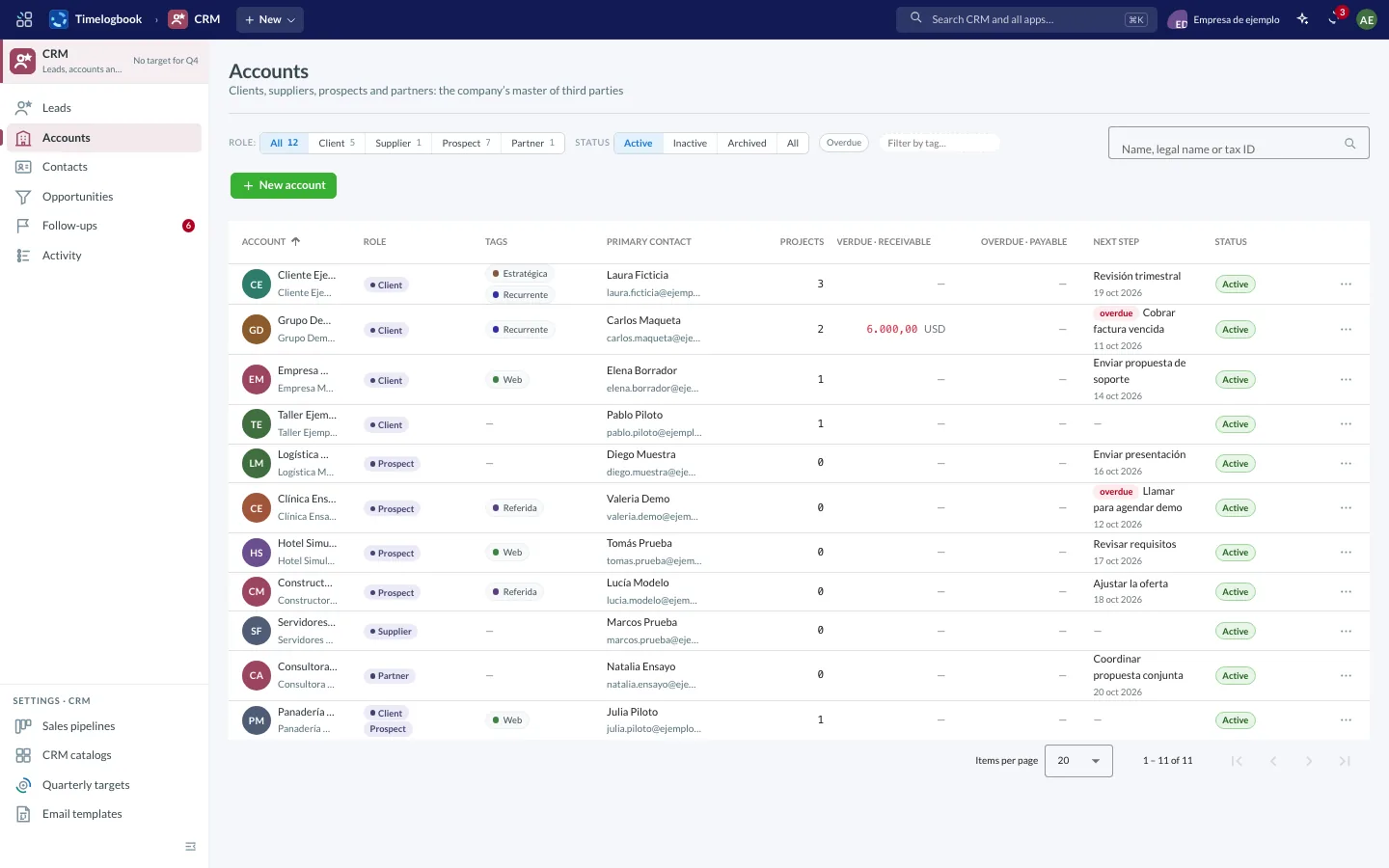
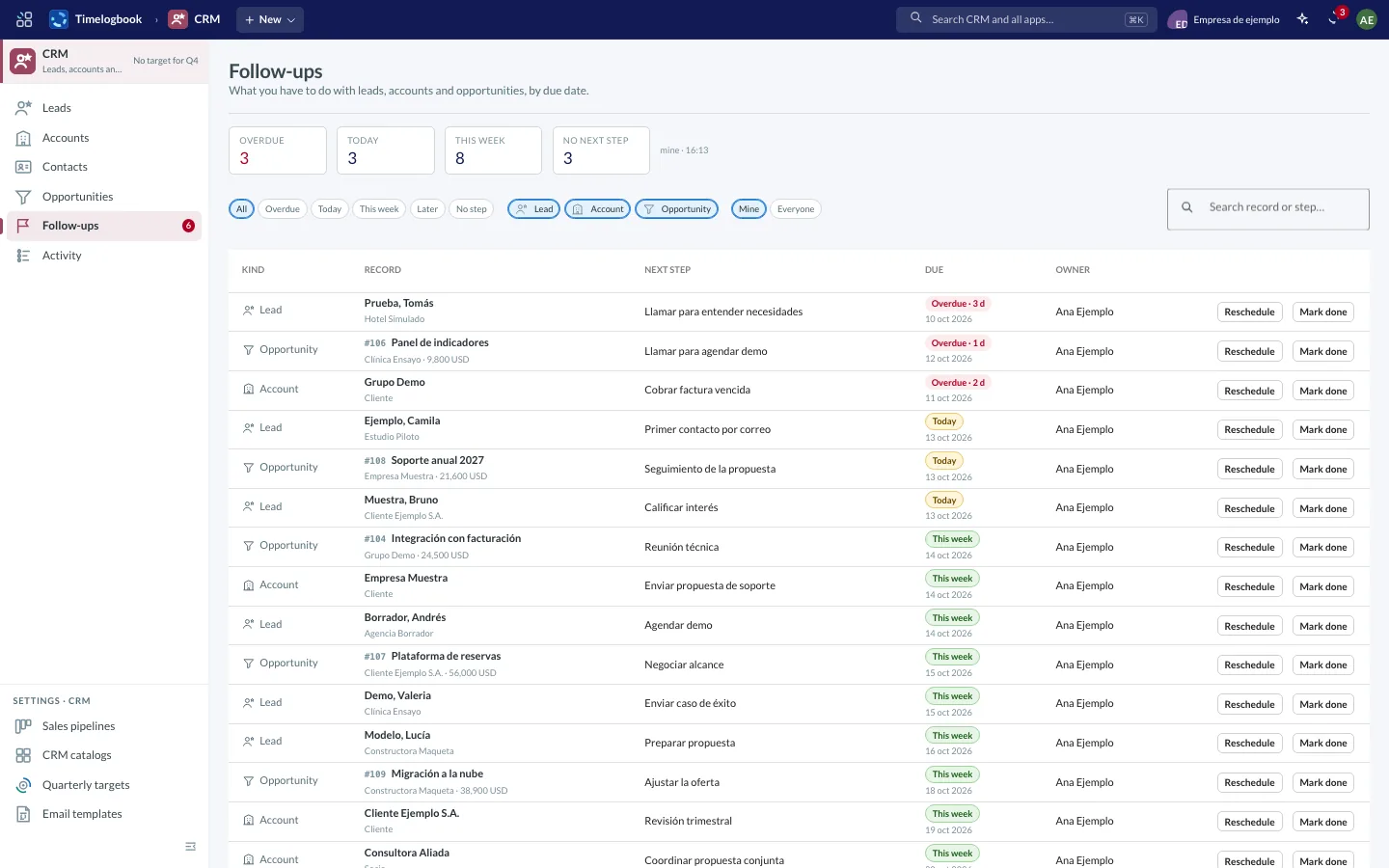
Screenshots of the app with sample data.
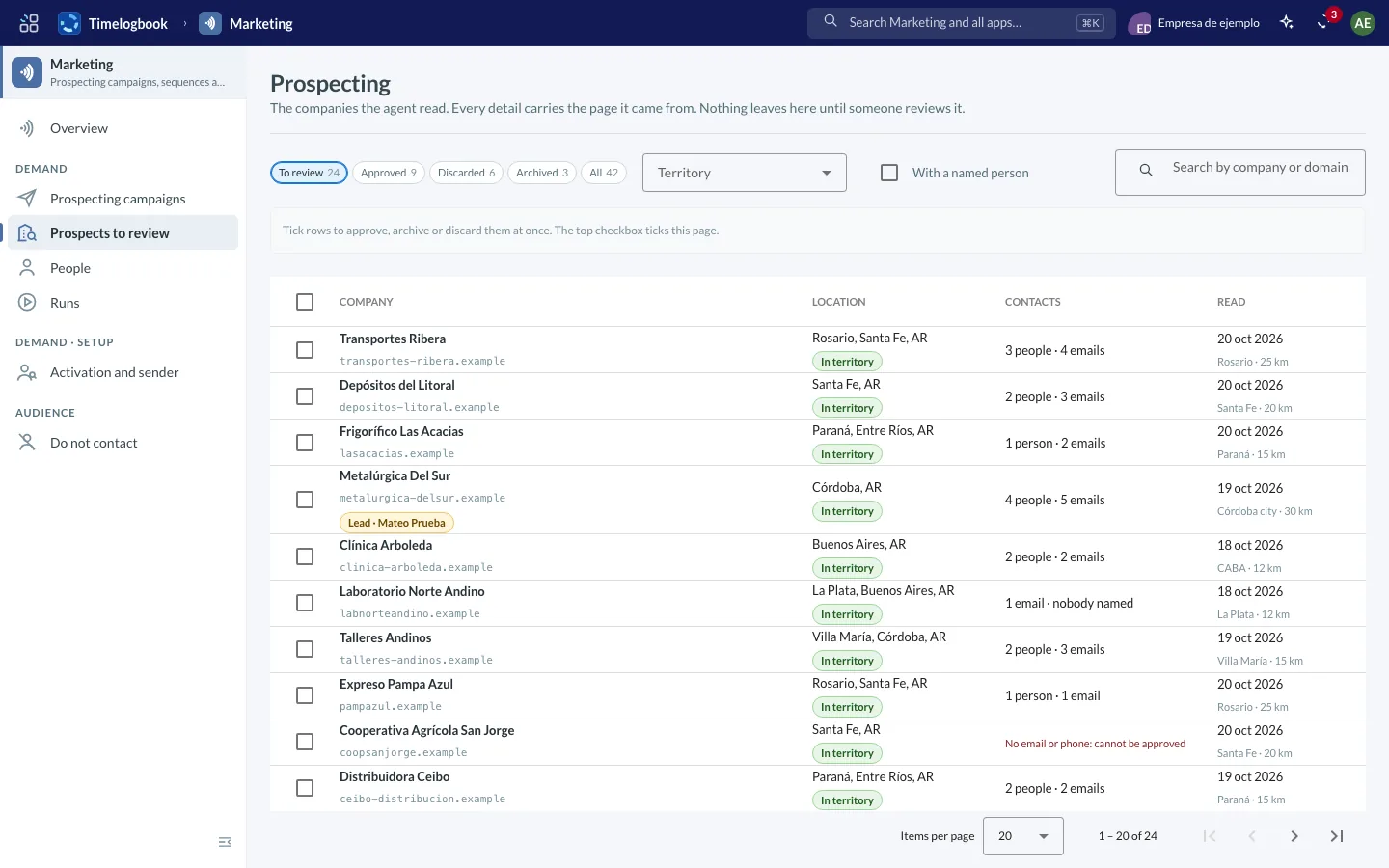
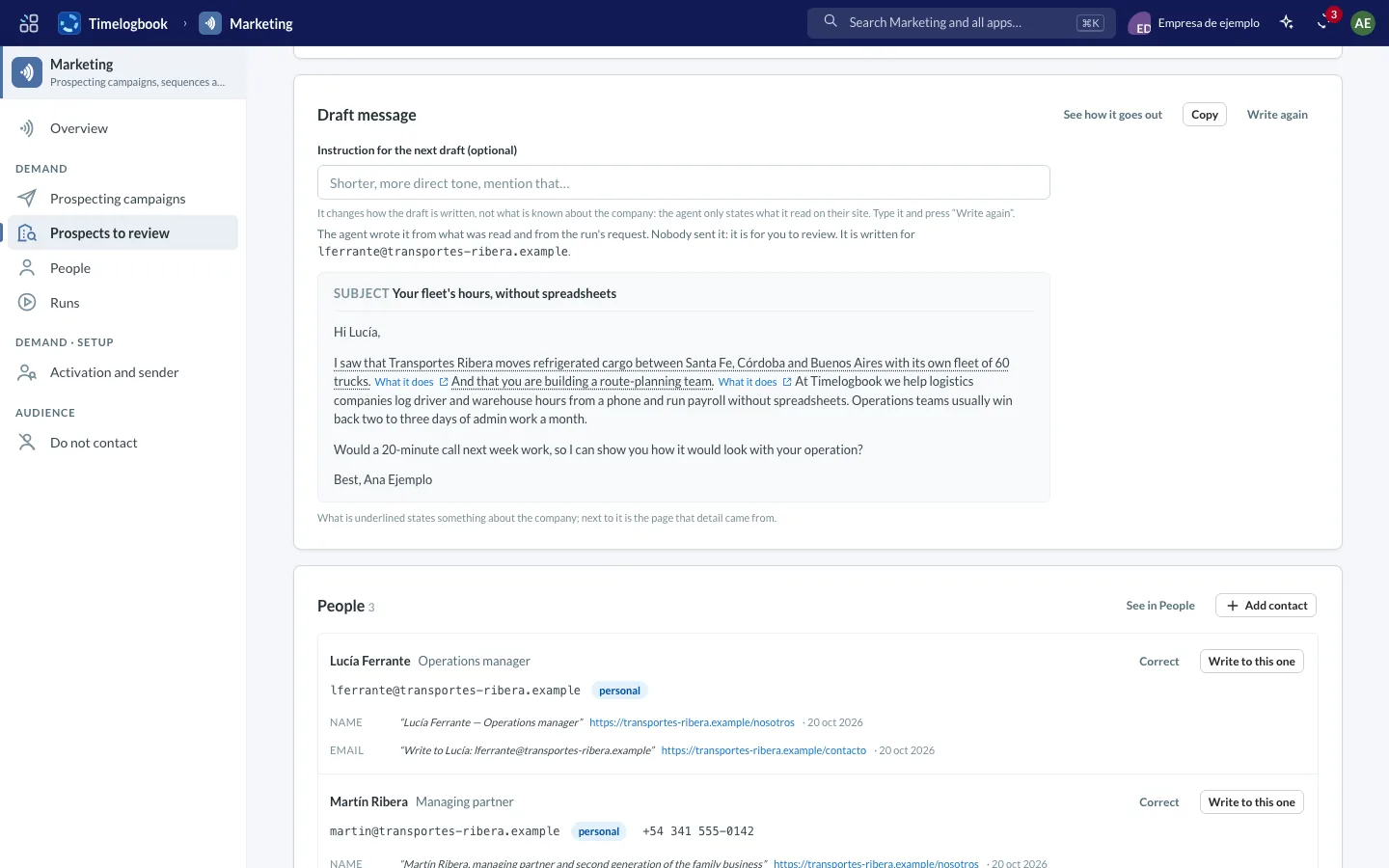
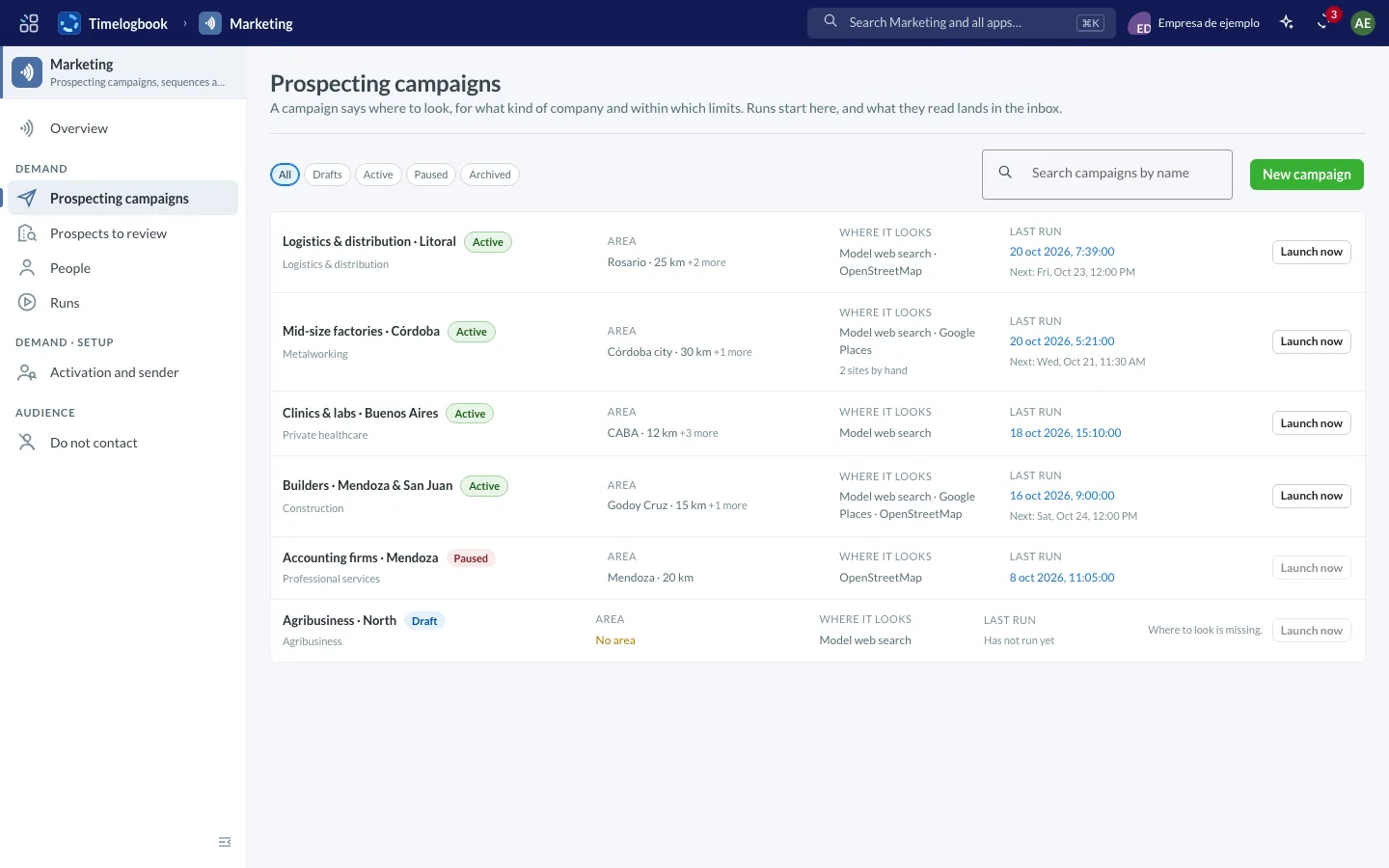
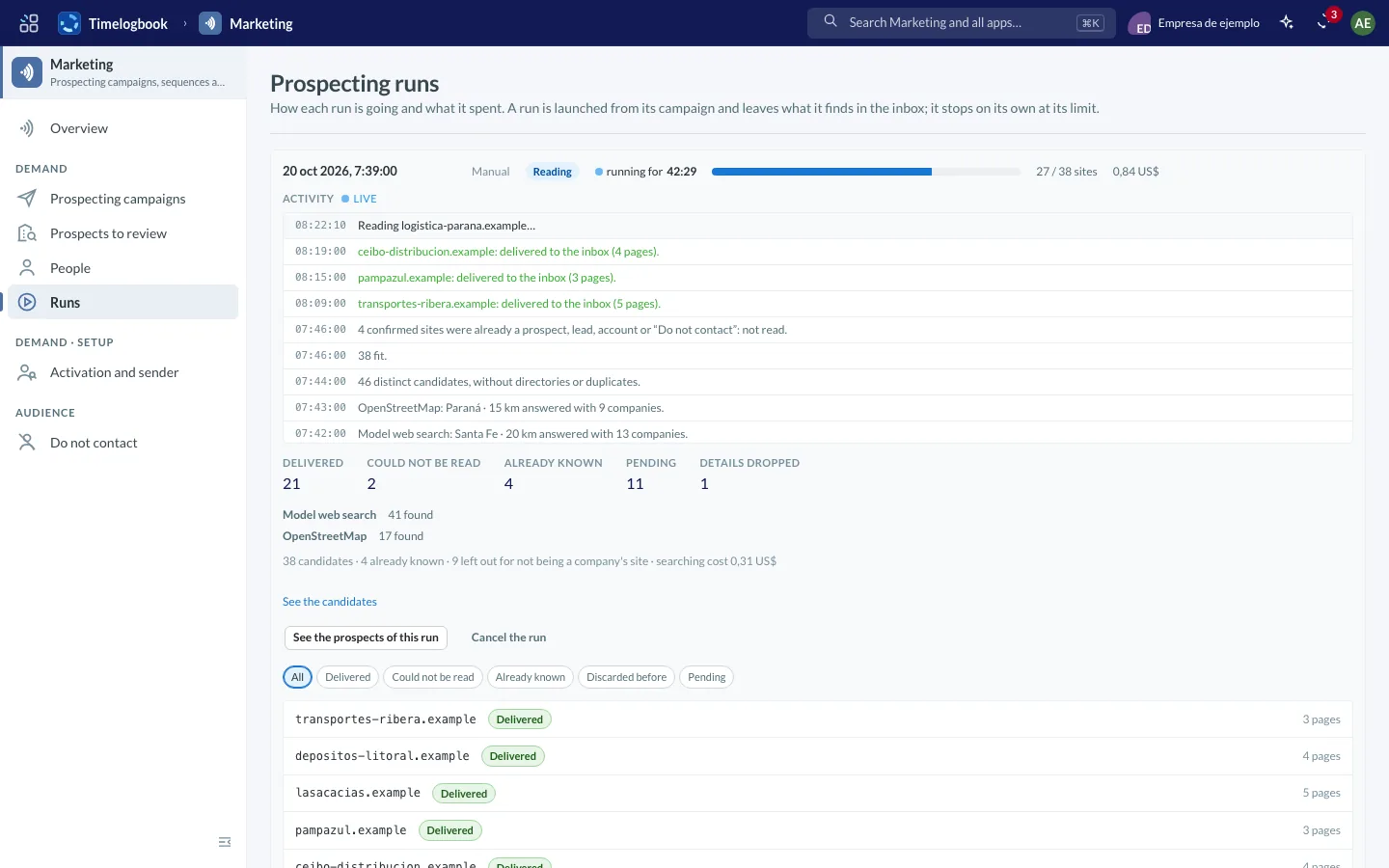
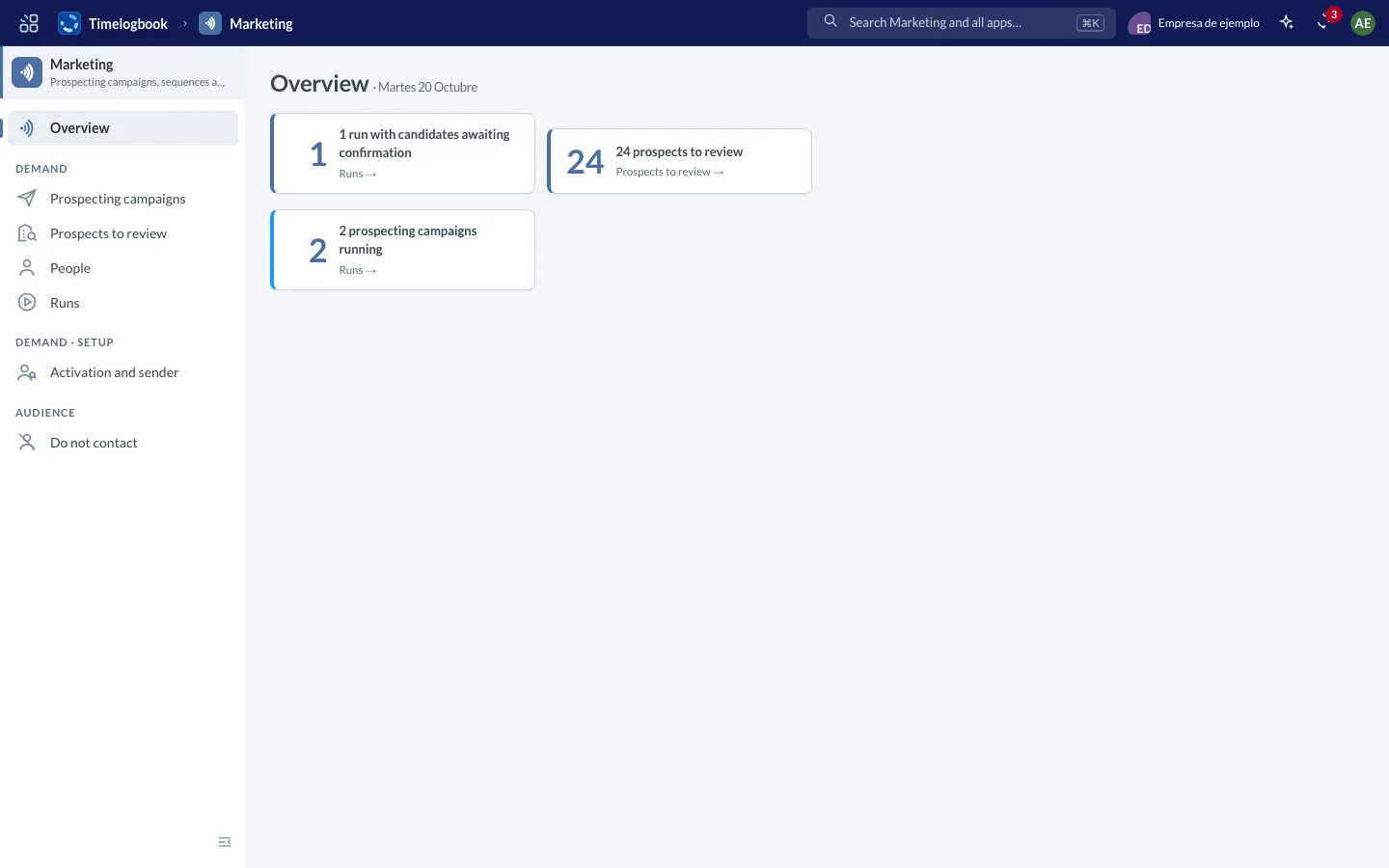
Screenshots of the app with sample data.
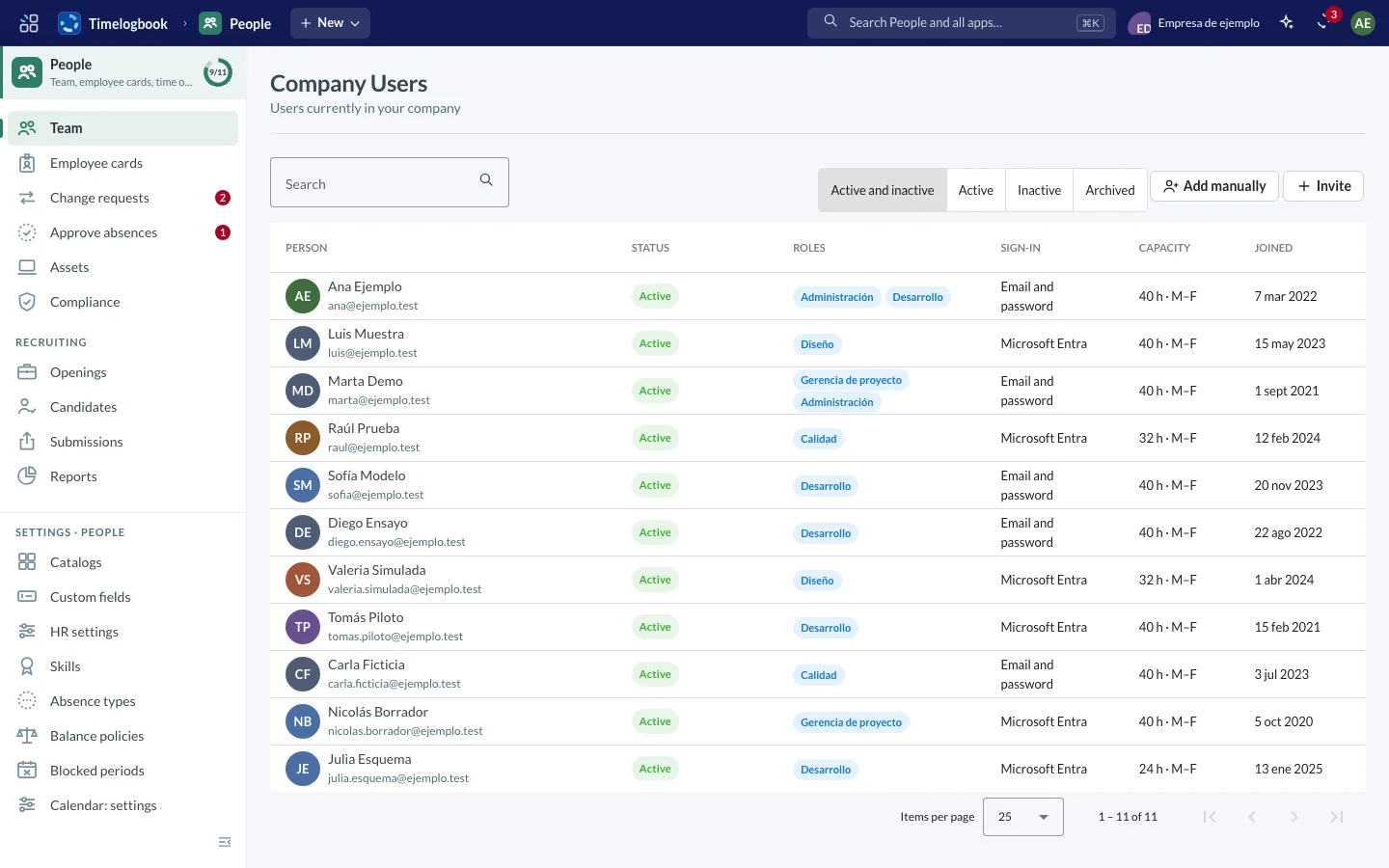
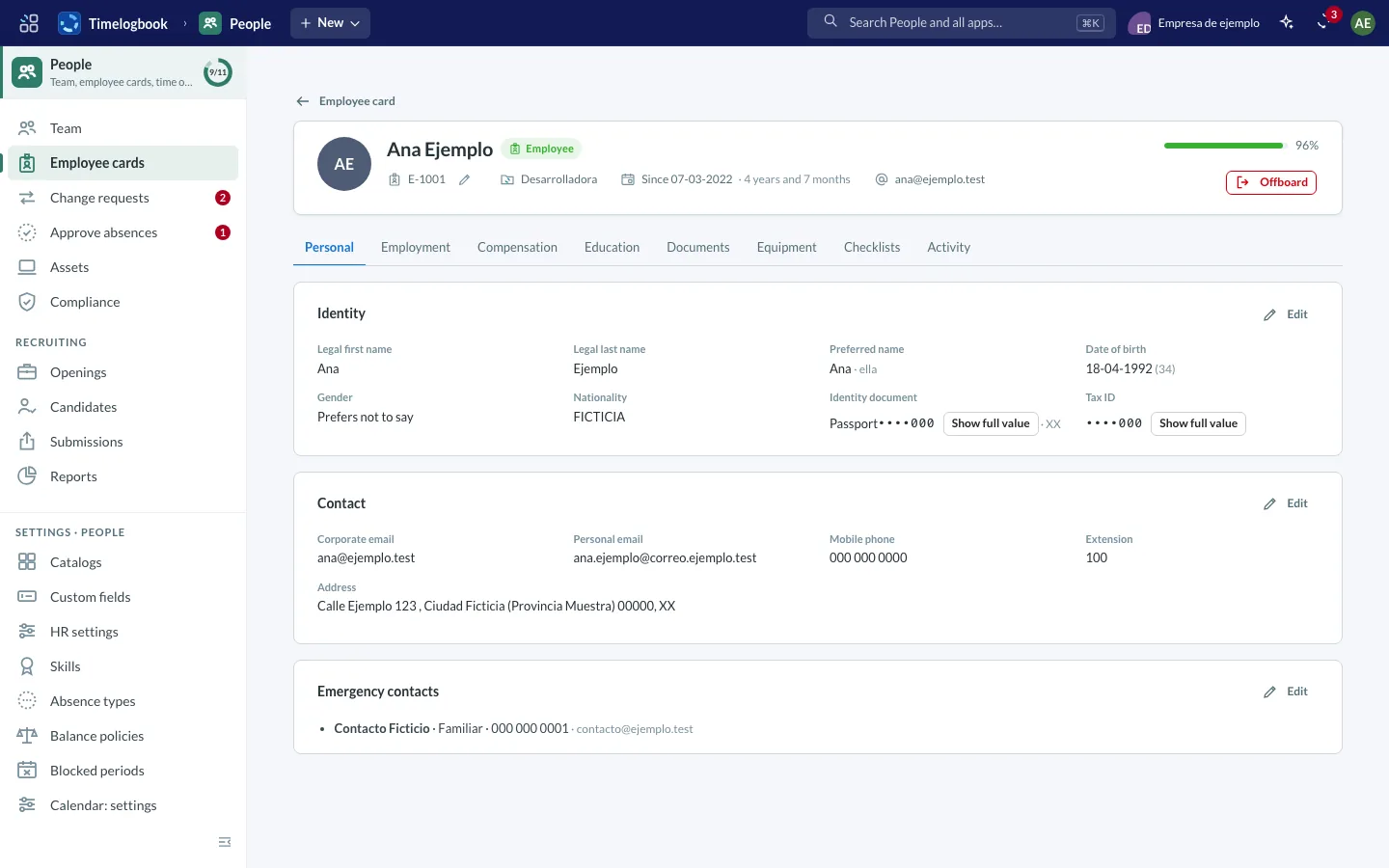
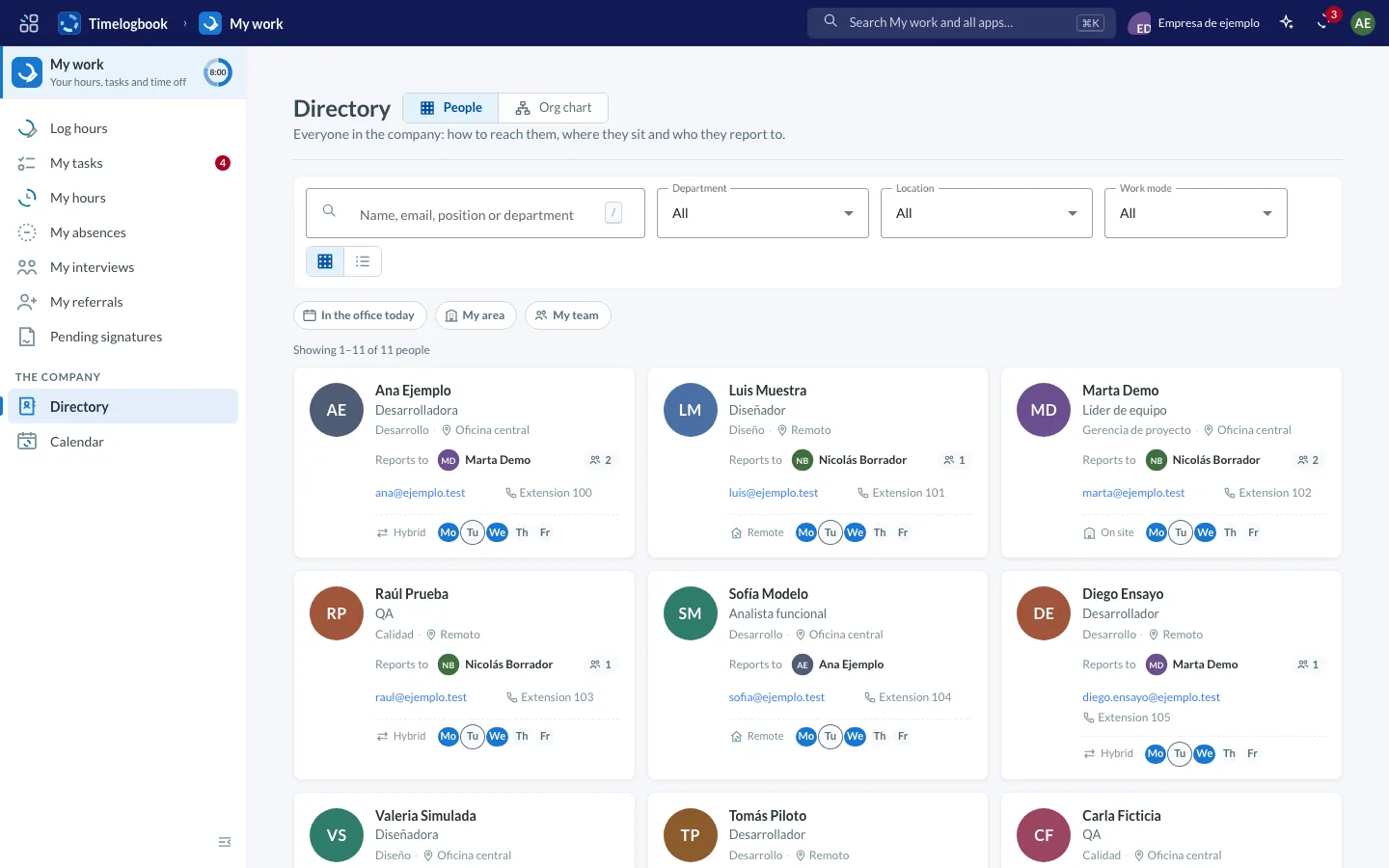
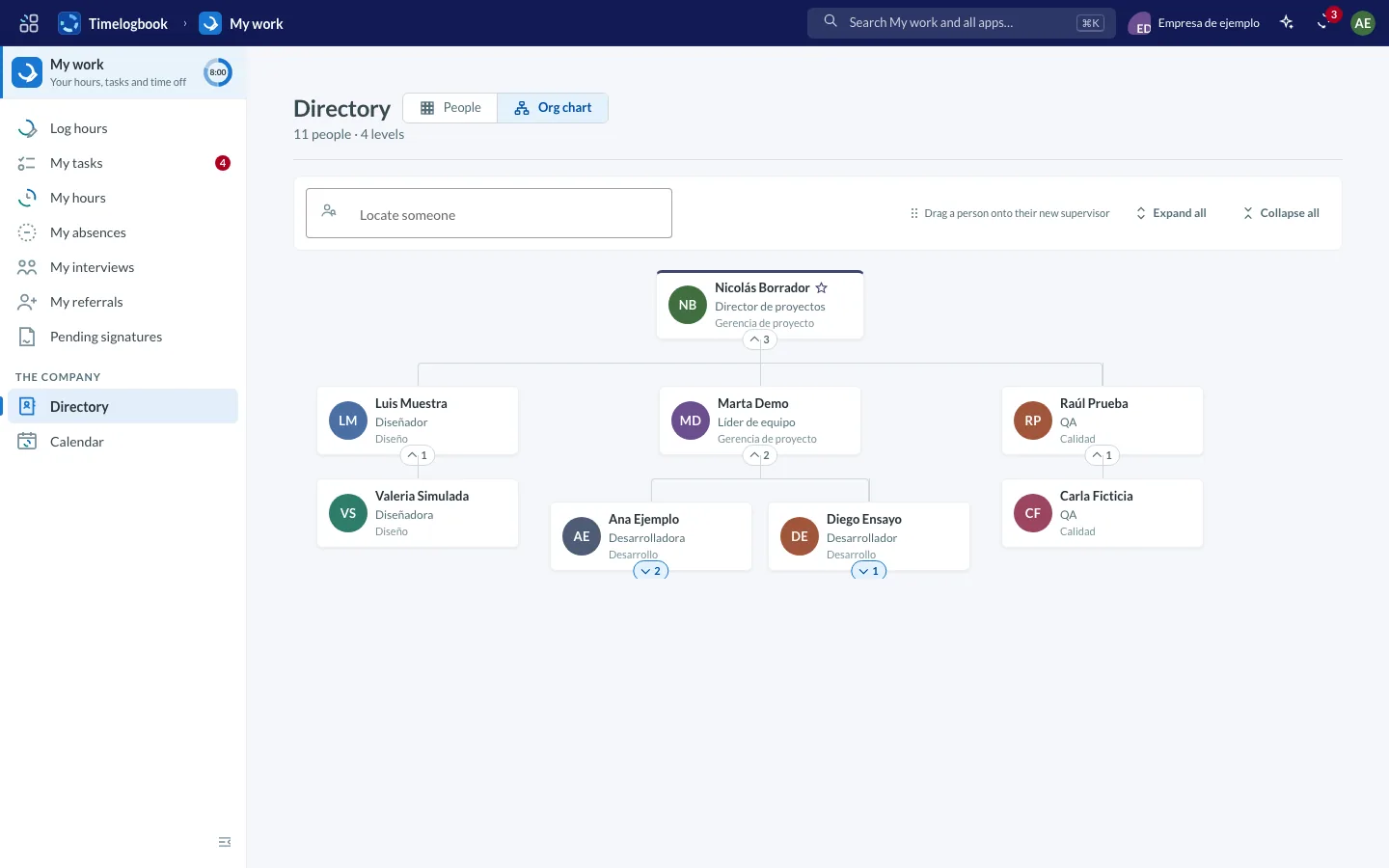
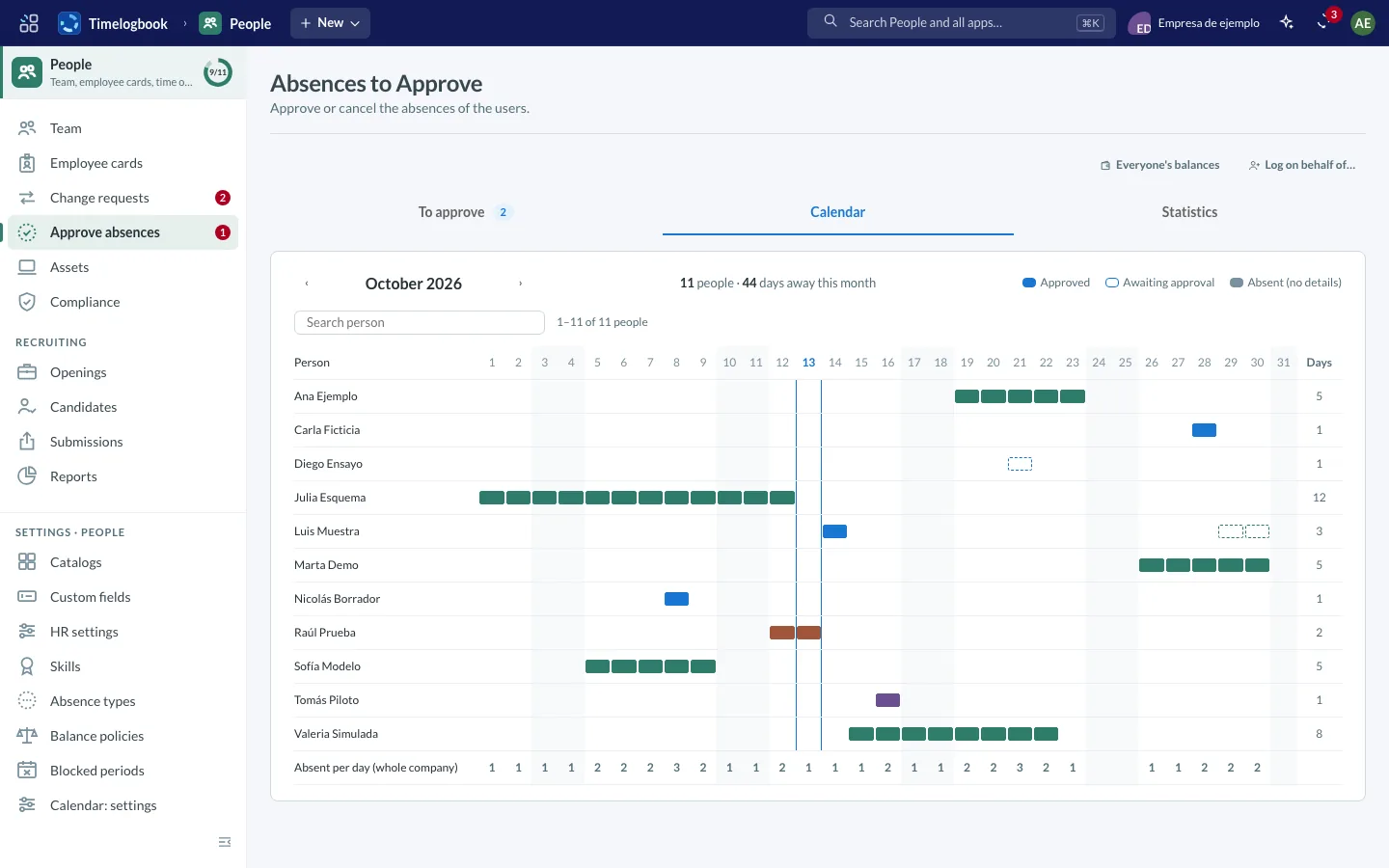
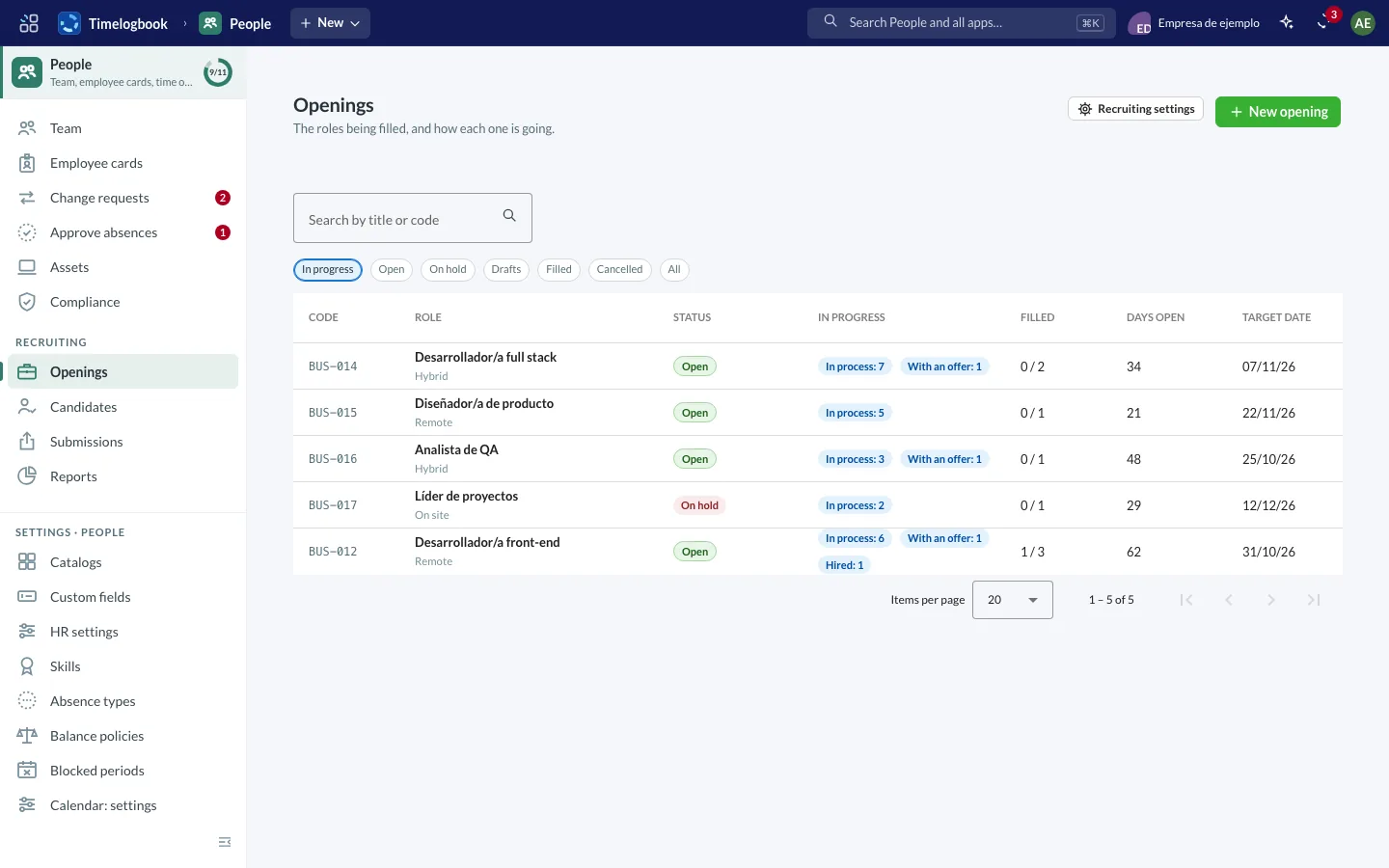
Screenshots of the app with sample data.
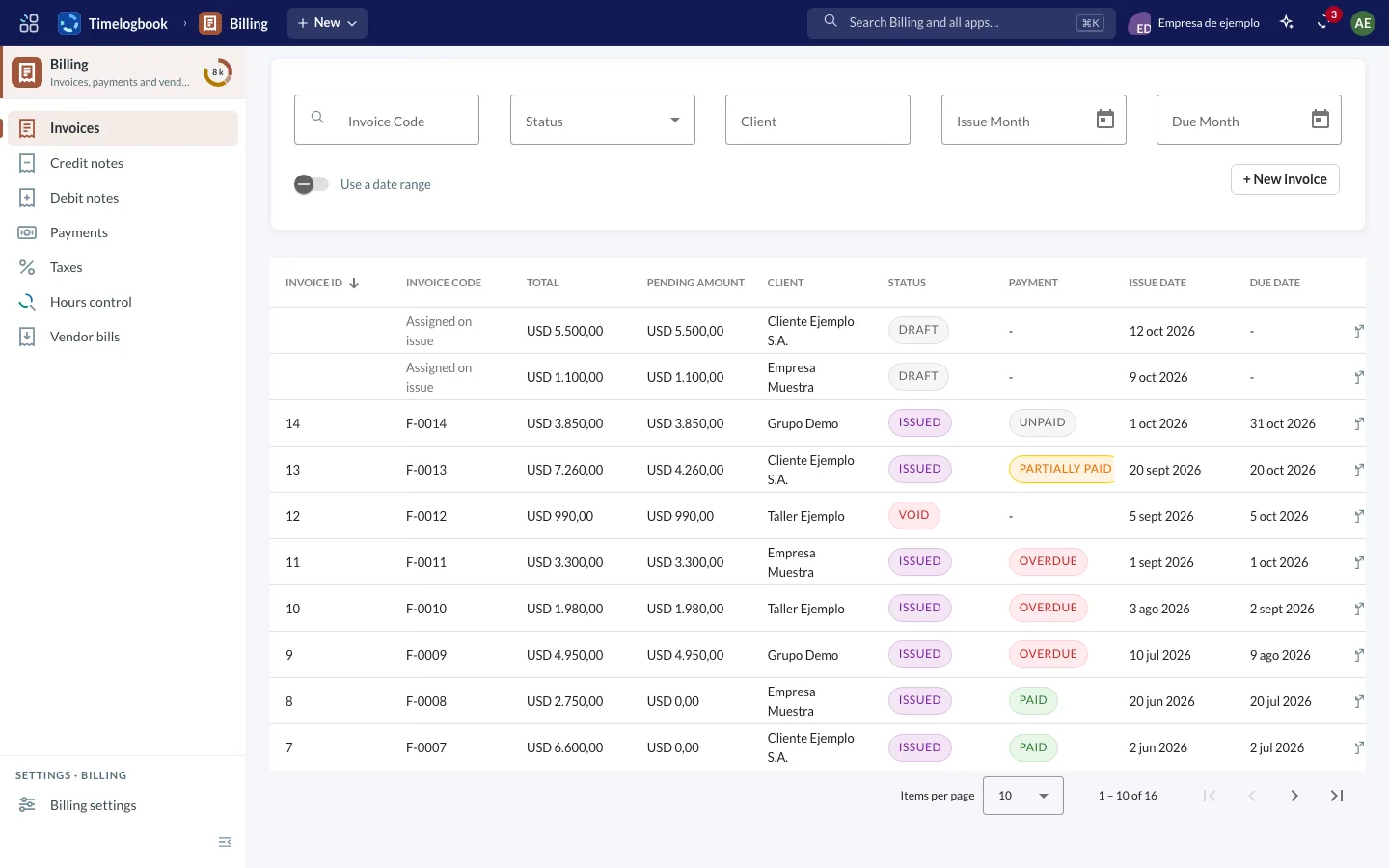
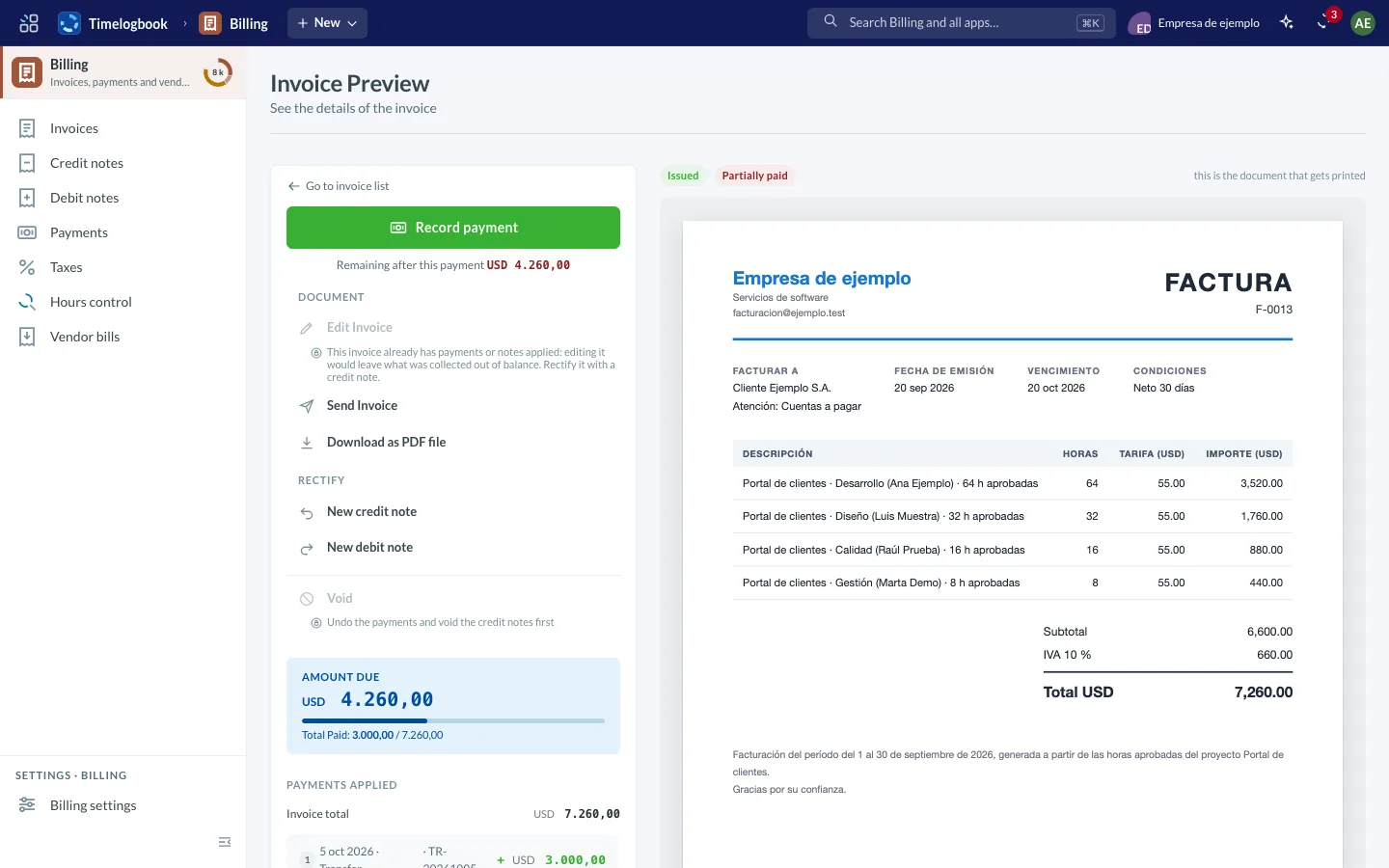
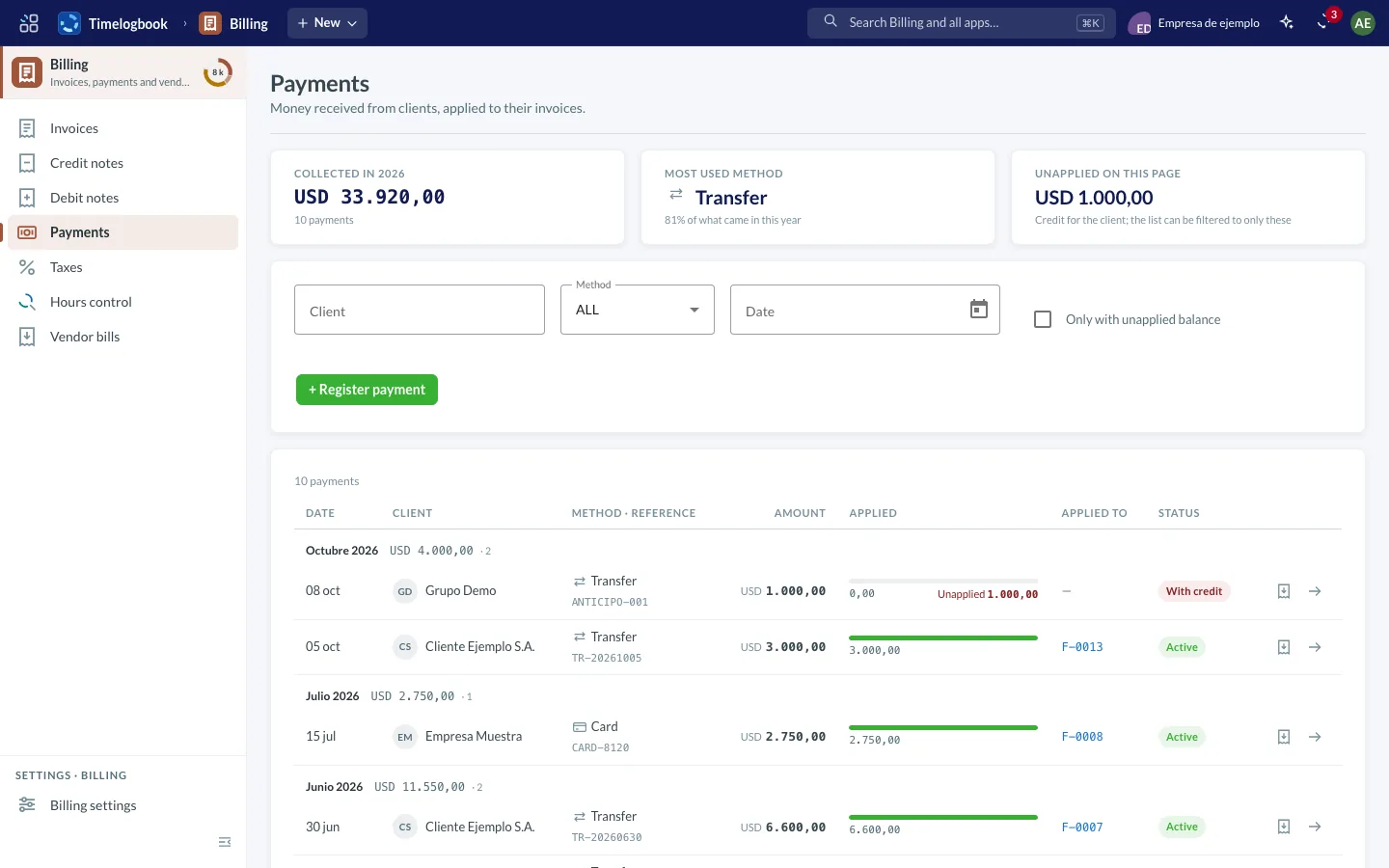
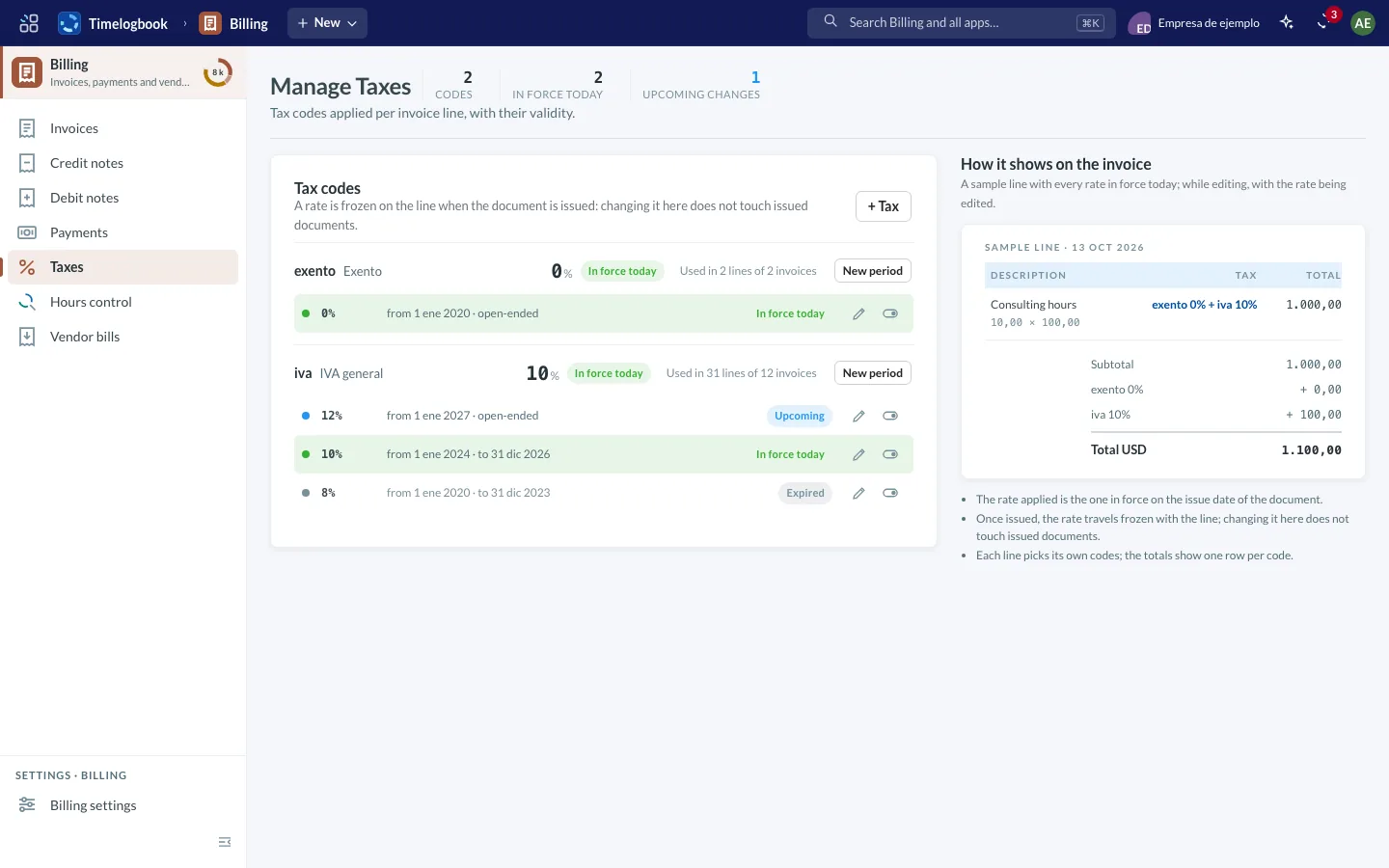
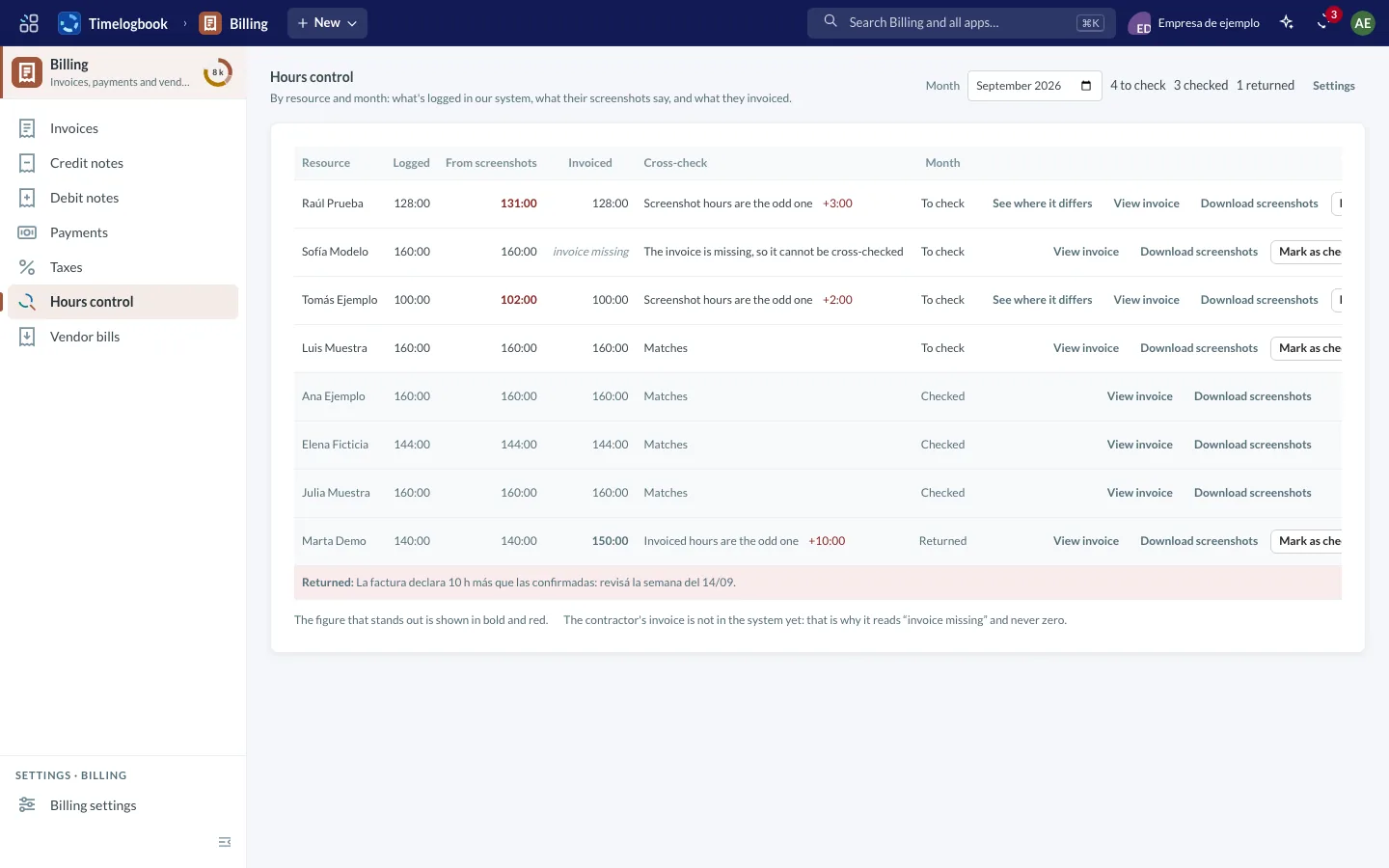
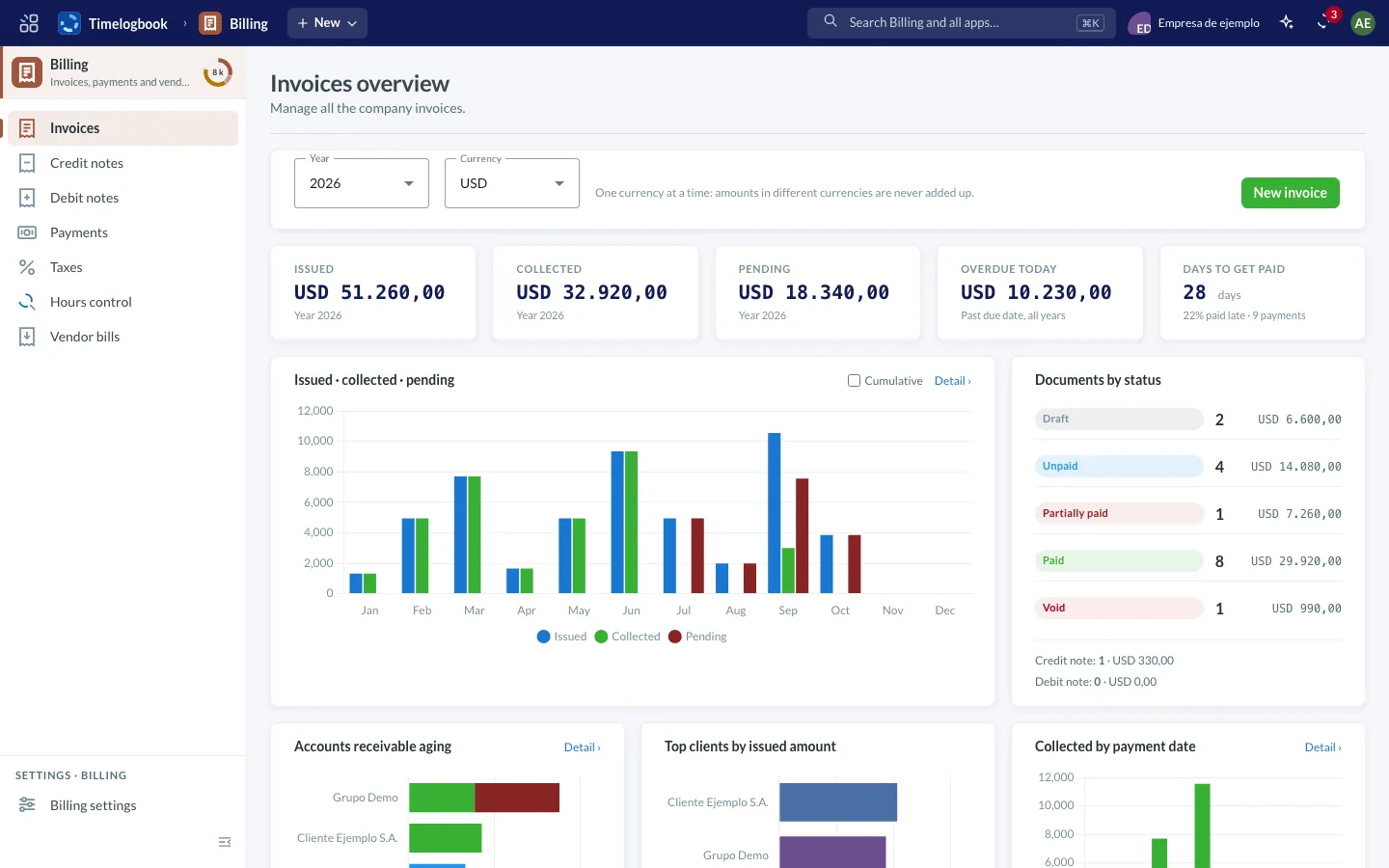
Screenshots of the app with sample data.
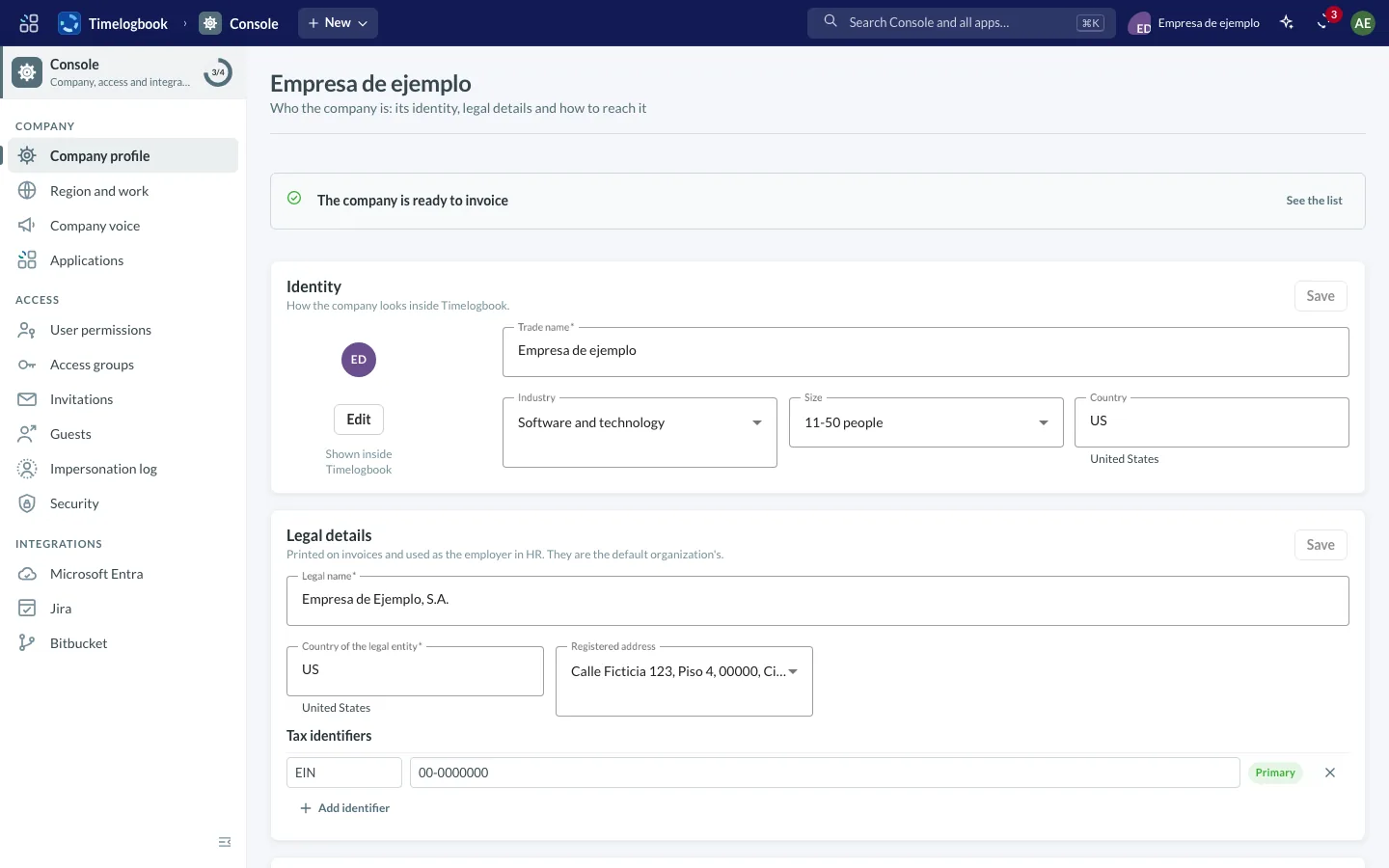
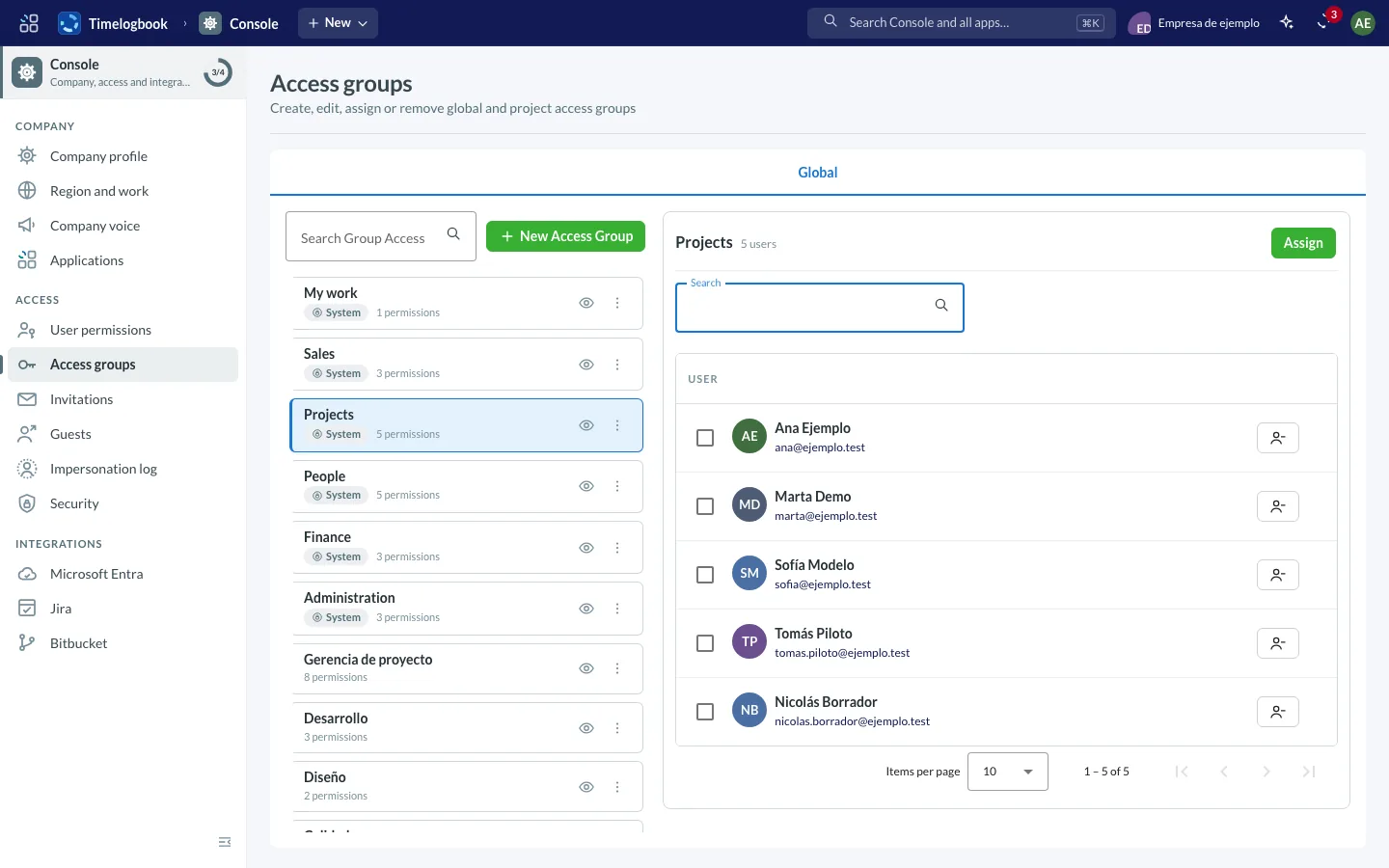
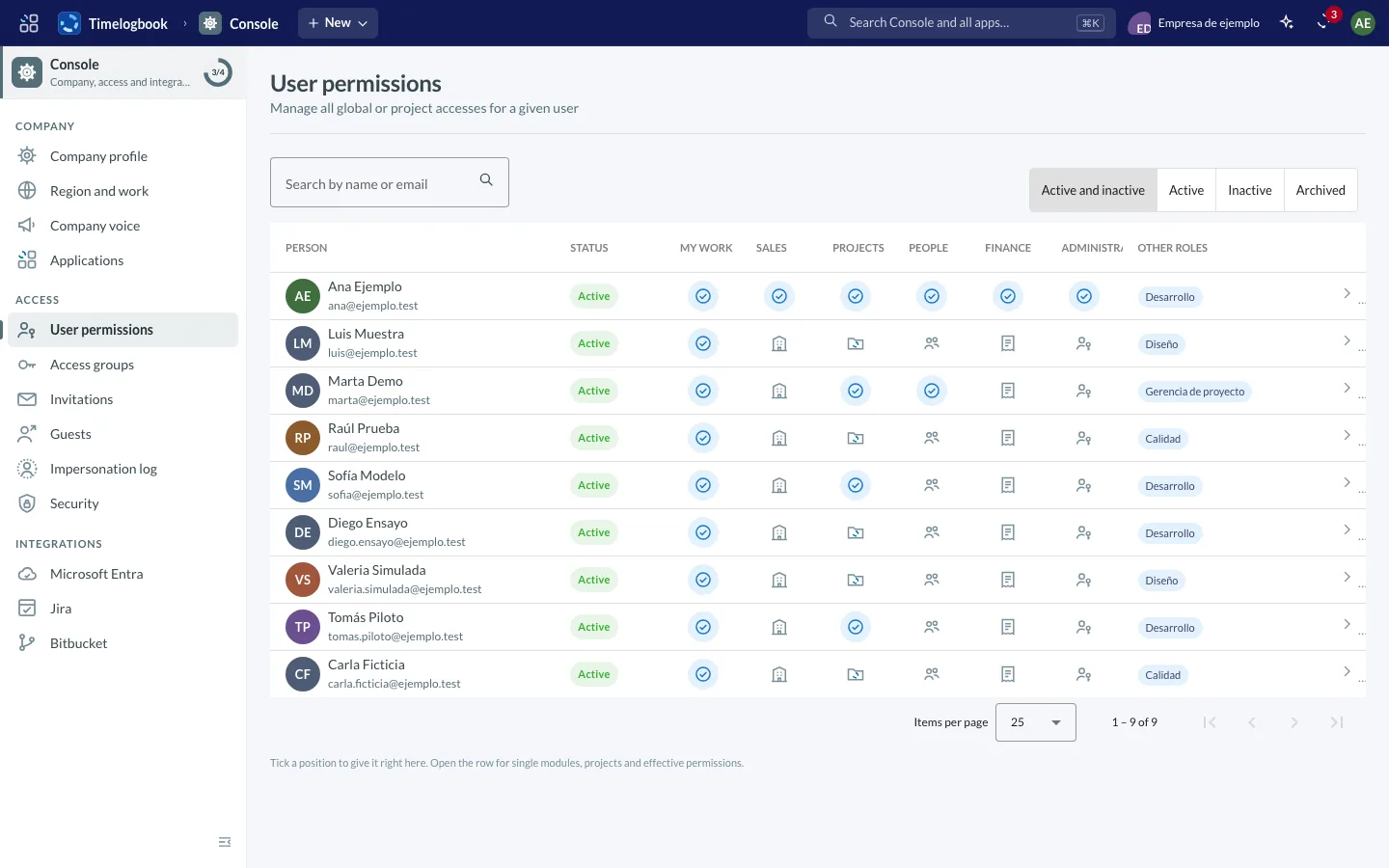
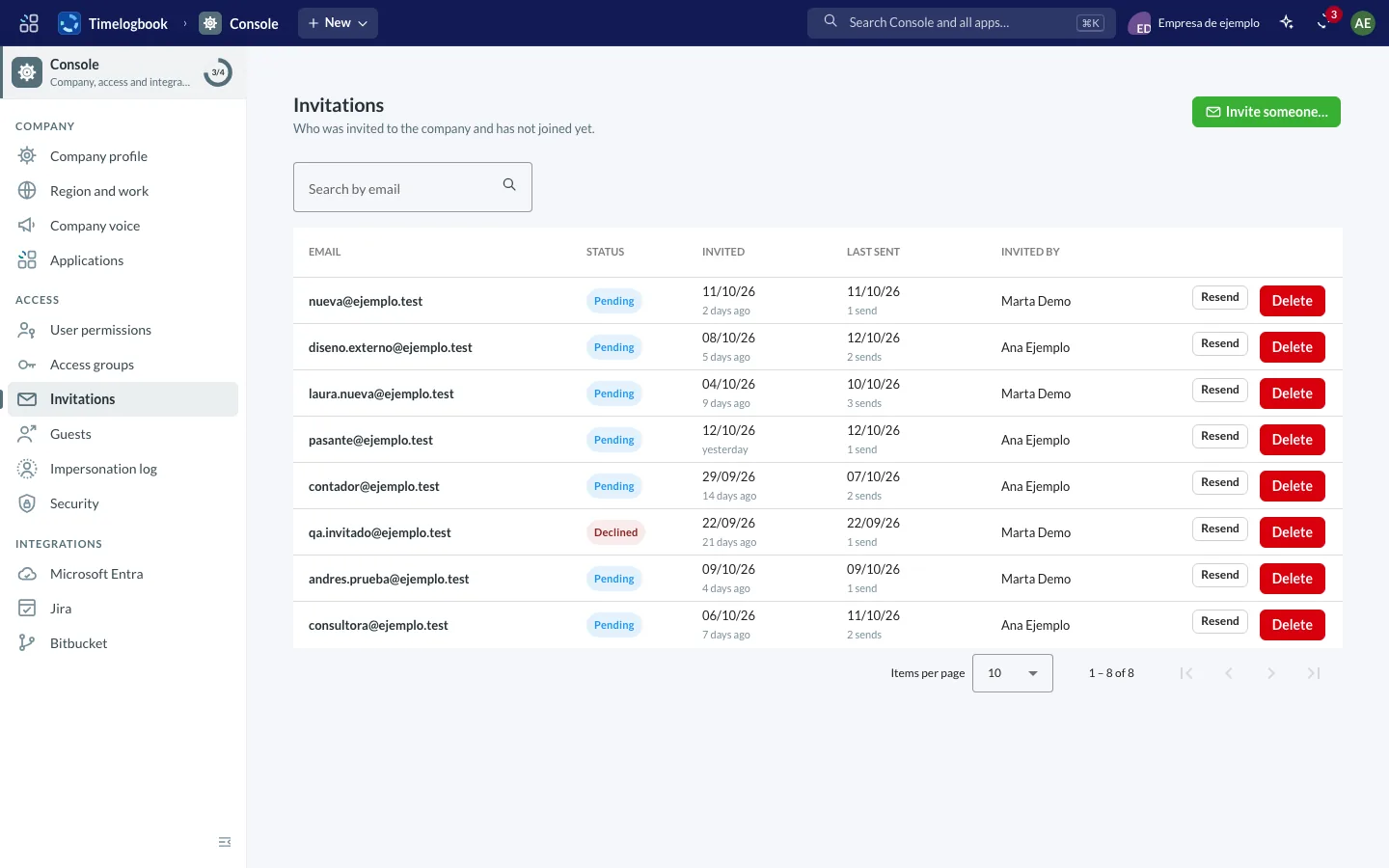
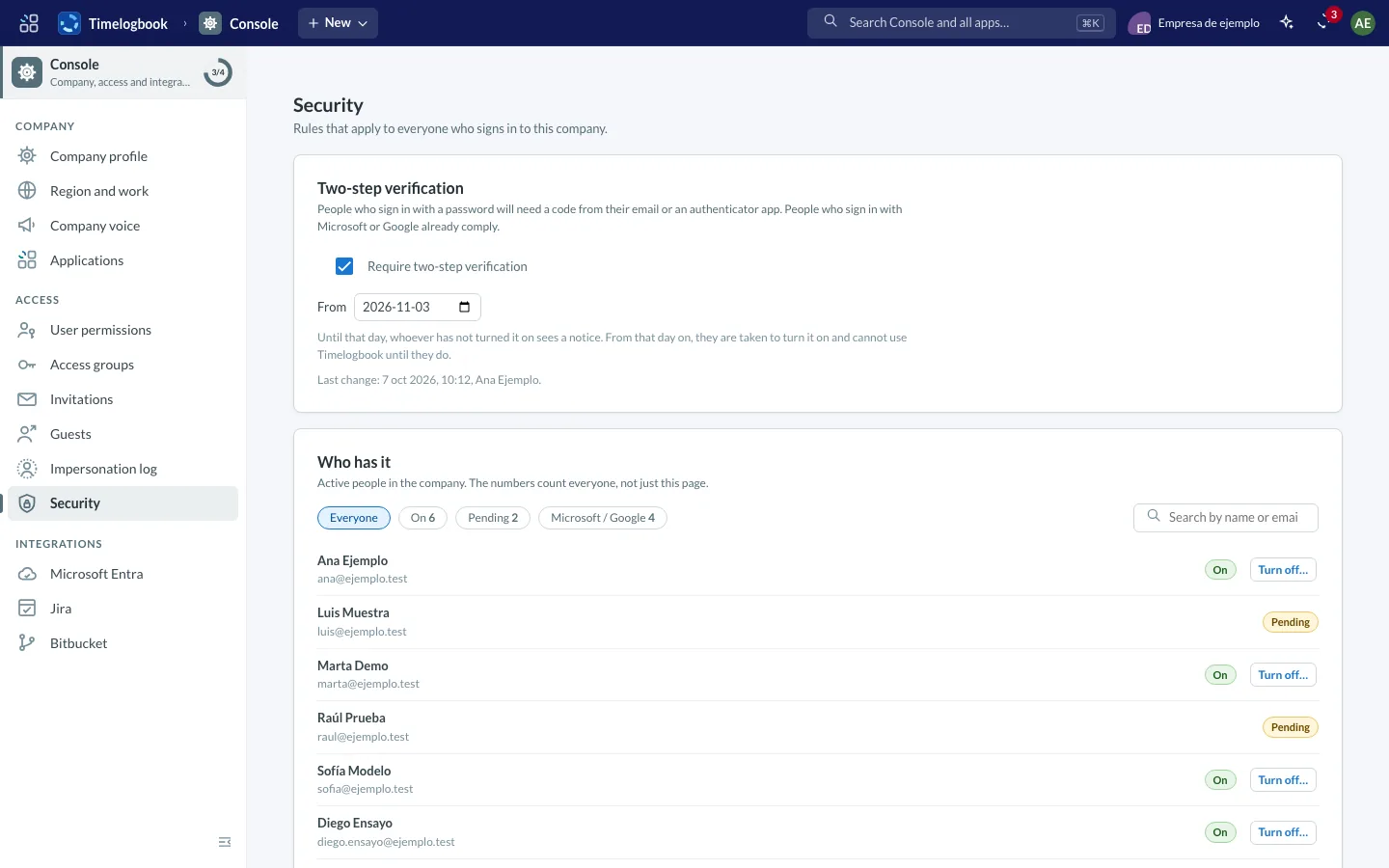
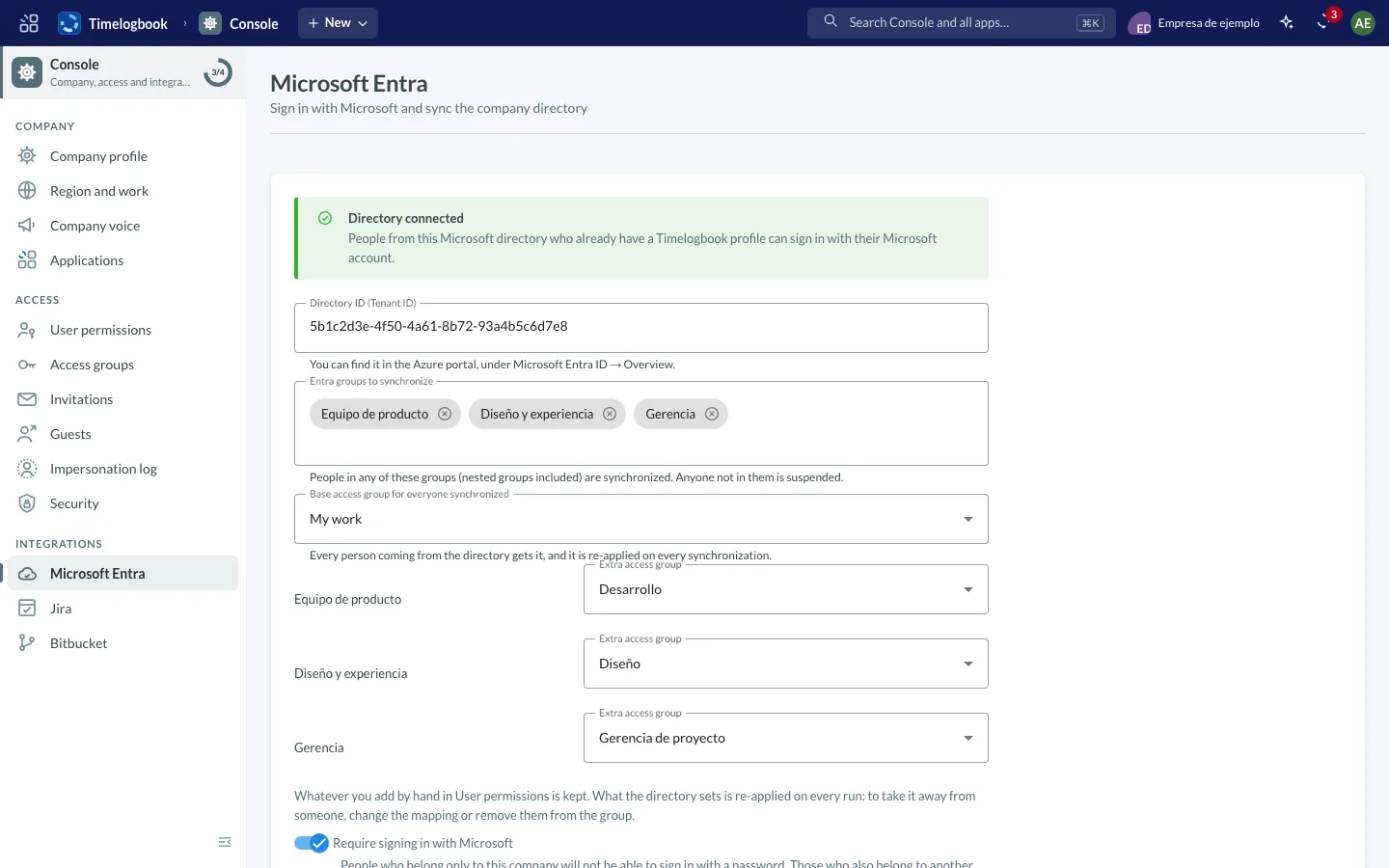
Screenshots of the app with sample data.
One day, one ring
In Timelogbook every working day is a ring: the full circle is capacity and each arc is hours in their state. At a glance you see what is approved, what is waiting and what is missing.
- Approved
- Submitted
- Draft, dashed
- Rejected
- Over capacity, drawn outside
Sample week with made-up data. Color is not the only channel: each ring also reads in words.
One language across the app
Brand elements are not decoration: they show up where they are needed, in every module.
The little clock
While something loads, the logo ring draws and erases itself and a hand goes around. It is the same little clock as in the app, full page or in a single cell. With reduced motion it stays still and complete.
Light, dark or follow the system
The app has a light and a dark mode, or follows the system, and stores your choice on your account. Try it on this page: it remembers your choice in this browser.
Every app has its signature
A drawing made only of logo arcs, in the app color, that says what the app is about. It appears in empty states and as the page loader. Hover to see it draw itself.
Every slice of the day has its module
The ring is our mark: a logged day, split into slices. Here, each slice is a module, the same ones you'll see in the app's menu.
One circuit, from the hour to the invoice
Each step builds on the one before. Nobody retypes anything.
| Task | M | T | W | T | F | Total |
|---|---|---|---|---|---|---|
| Design | 4 | 4 | 2 | 0 | 0 | 10 |
| Development | 4 | 4 | 6 | 8 | 6 | 28 |
| Review | 0 | 0 | 0 | 0 | 2 | 2 |
| Hours | 8 | 8 | 8 | 8 | 8 | 40 |
- Portal development · 40 h × USD 55.00
- USD 2,200.00
- Total
- USD 2,200.00
-
Everyone logs their hours
By week and by project. When the week closes, they submit it for approval.
-
The project keeps count
Assignments, budget and consumption show on the project page, while there's still time to change course.
-
You invoice what was worked
The client invoice is built from approved hours, and its payments are recorded afterwards.
-
You check the result
Logged hours are checked against the contractor's invoice.
Every role gets its own win
Timelogbook is not a tool for a single team: every role in the company finds what it needs in its own app, on the same data.
- Whoever logs hours
You log the week in a moment, fill it with what was planned and see what is approved and what is missing.
See My work - Project management
You see budget and consumption while you can still change course, and approve hours in one step.
See Projects - Finance
You invoice from approved hours, track payments and check them against the contractor’s invoice.
See Billing - Sales team
Leads, accounts and opportunities in one place, and the client record is used for invoicing with nothing copied.
See CRM - Marketing
You find companies that match your ideal customer, write to them with follow-ups and measure which search and which campaign bring leads that convert.
See Marketing - HR
Team, employee cards, time off and recruiting together, so you know who is available and plan around it.
See People - Administration
Role-based access, two-factor and email invitations: each person sees only what was enabled for them.
See Console
An AI layer in every app
Every Timelogbook app has its own MCP server (Model Context Protocol). AI assistants connect to each module and work with your hours, projects, tasks, clients, campaigns, people and invoices, with nothing to export by hand.
- My workMCP
- ProjectsMCP
- TasksMCP
- CRMMCP
- MarketingMCP
- PeopleMCP
- BillingMCP
- ConsoleMCP
New
Marketing: automatic prospecting, with no effort
Describe your ideal customer and an agent finds the companies, reads their sites and leaves the first email ready for you. You confirm with one click; follow-ups go out on their own and everything lands as a lead in the CRM. Sold on its own, with CRM, People, Billing and Console.
Discover MarketingBuilt on our own platform
Timelogbook runs on Tlog SaaS Accelerator Platform, the multi-tenant foundation we also use to launch new products. The first new vertical is Marketing: demand generation, sold on its own and sharing CRM, People, Billing and Console.
Log in, or get to know the product
If your company already uses Timelogbook, log in. If you'd like to see it with your own projects, we'll show you how it would look.
Your workspace
Your administrator grants access. If you don't have it, write to us.